DJI Osmo Pocket 3 After One Year: 5 Hard-Won Truths Nobody Tells You
Dec 29, 2025Get the full story watching the video above ⬆️
Purchase:
Osmo Pocket 3 - https://geni.us/ZBZ6ss or https://geni.us/9sq14VH
Purchase the Osmo pocket 3 Course - https://www.thefilmalliance.com/osmo-pocket-3-bundle-courses
1.0 Introduction: Beyond the Hype
Hey everyone, Joe from The Film Alliance here. When the DJI Osmo Pocket 3 launched, the hype was deafening. A pocket-sized camera with a 1-inch sensor, a built-in gimbal, and the ability to charge from 0 to 100% in just 21 minutes? It sounded almost too good to be true.
As someone who’s used these cameras since the original Pocket 1, I’ve spent the last year pushing this thing to its absolute limits. I've rigged it on 16-foot boom poles for crane shots, created complex hyperlapses, and pitted it against everything from the iPhone 15 Pro to the Sony ZV-E10 and GoPro Hero 12. In the process, I've discovered five surprising truths that go far beyond the spec sheet. These are the most impactful takeaways from a year in the trenches with this powerful little camera.
2.0 Takeaway 1: It's a Jib, a Crane, and a Drone (Without the License)
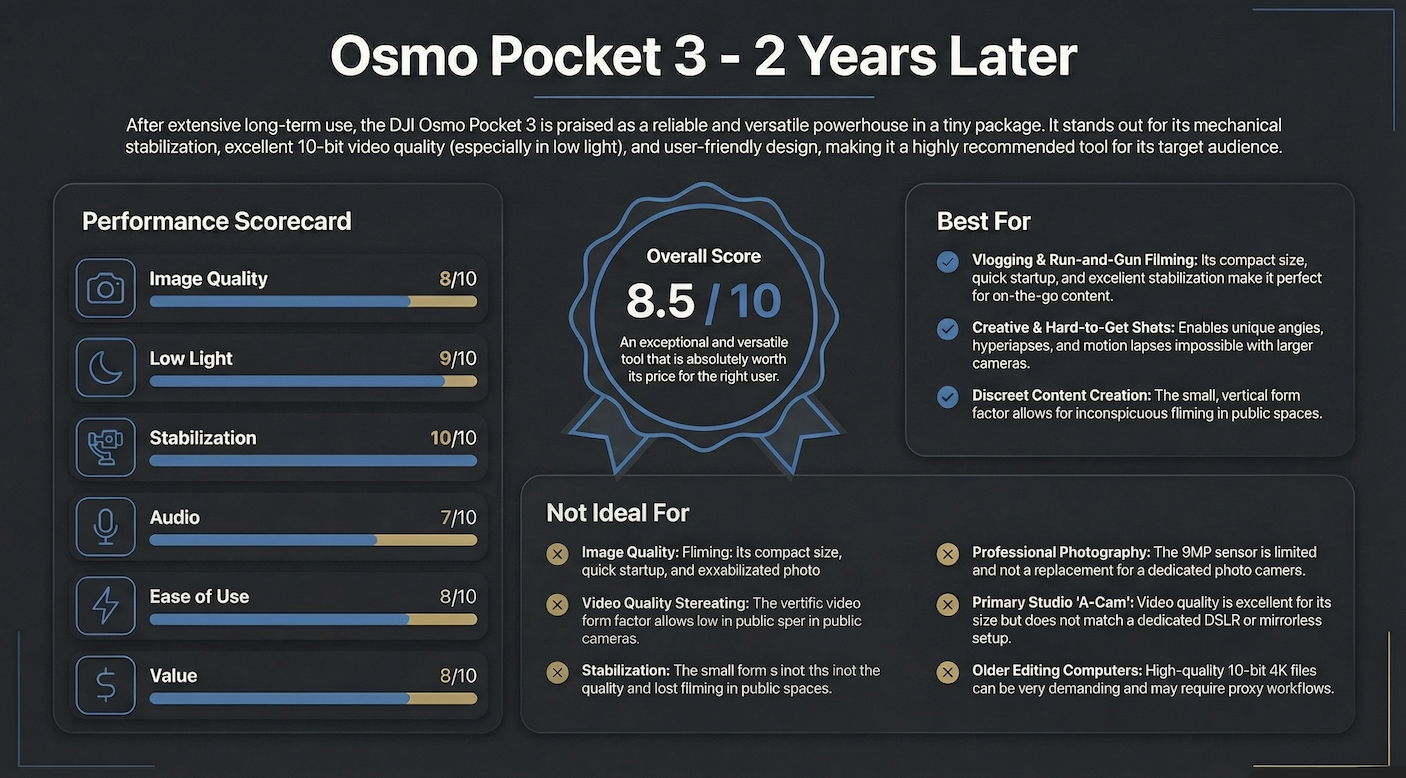
The true power of the Pocket 3 isn't just its portability; it's the camera's uncanny ability to get shots that are physically impossible with larger, heavier setups. Its small form factor allows for incredible creativity, like my favorite discovery: the "boom pole trick."
By rigging the Pocket 3 to a studio boom pole, I can create an extension that gets me crane shots reaching 12 to 16 feet in the air, mimicking a drone without needing a license or dealing with flight restrictions. This rig also unlocks other unique perspectives. I was able to get a shot looking straight down over a ledge from eight stories up—something I'd never attempt with a bigger camera. I've also used the pole to create mesmerizing spinning effects while walking down stairs.
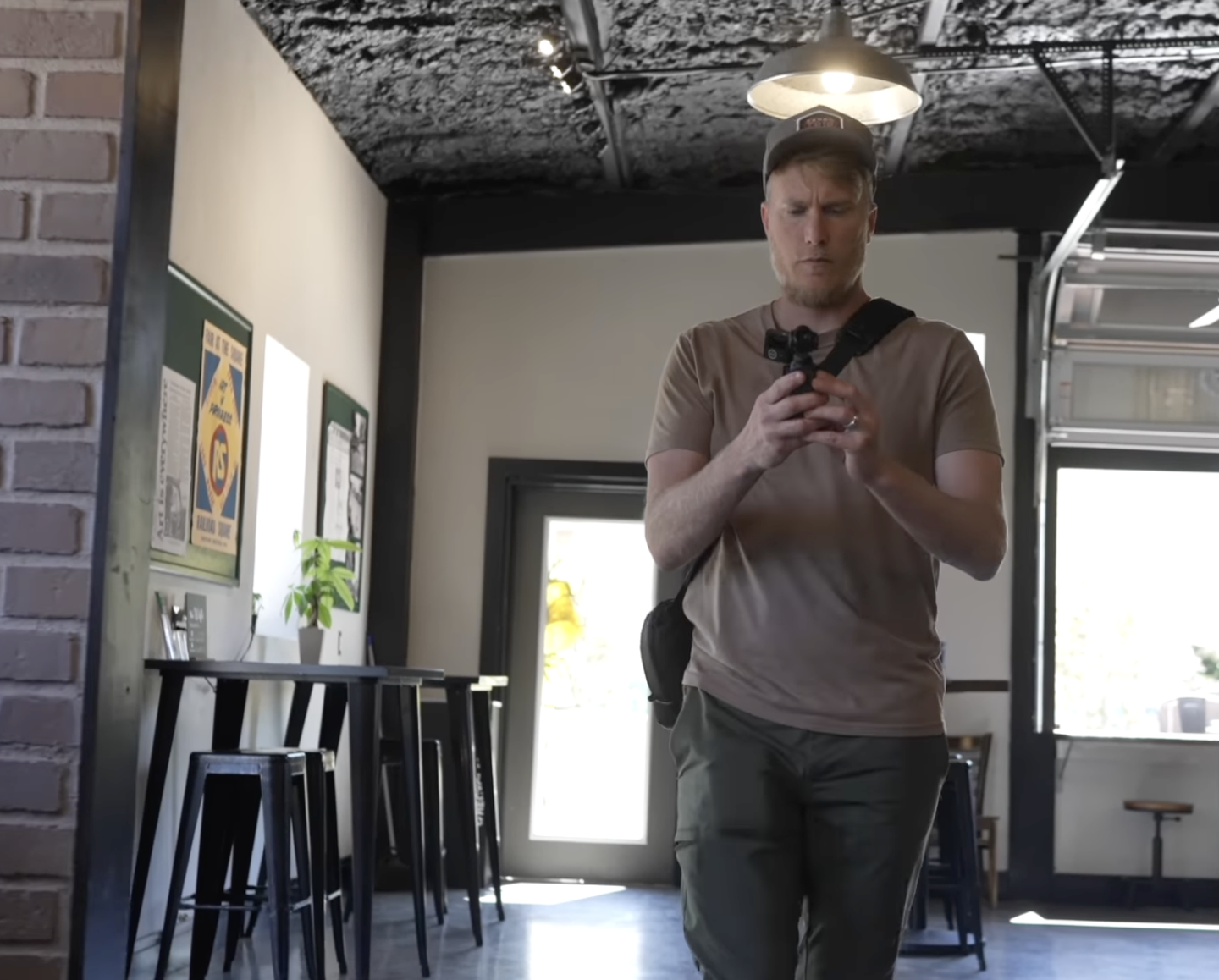
Beyond these cinematic tricks, its size makes it perfect for discreet shooting. I've never once had a security guard approach me while filming in public with the Pocket 3, which is a freedom you just don't get with a traditional camera rig. This creative potential elevates the camera far beyond a simple vlogging tool.
3.0 Takeaway 2: Your Biggest Enemy Isn't Low Light, It's Your Own ND Filter
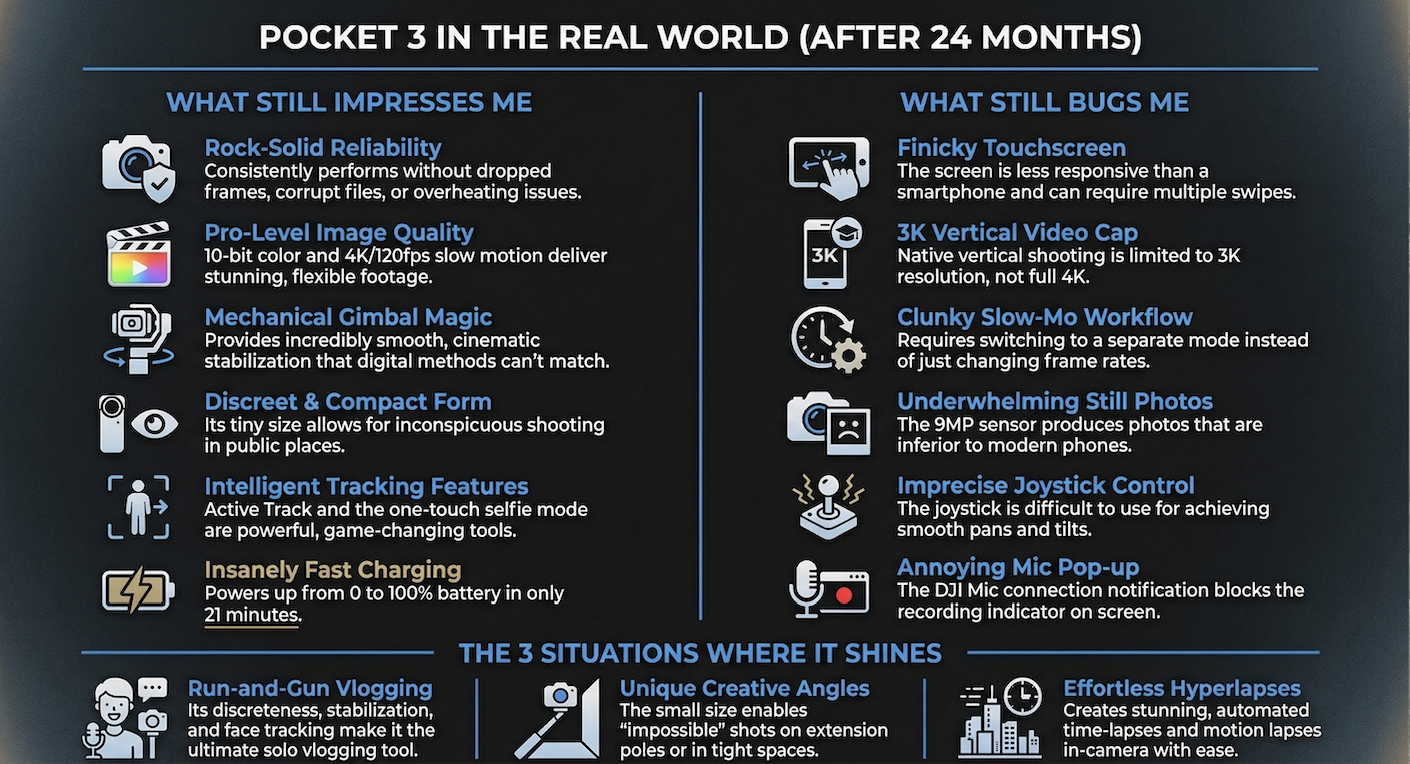
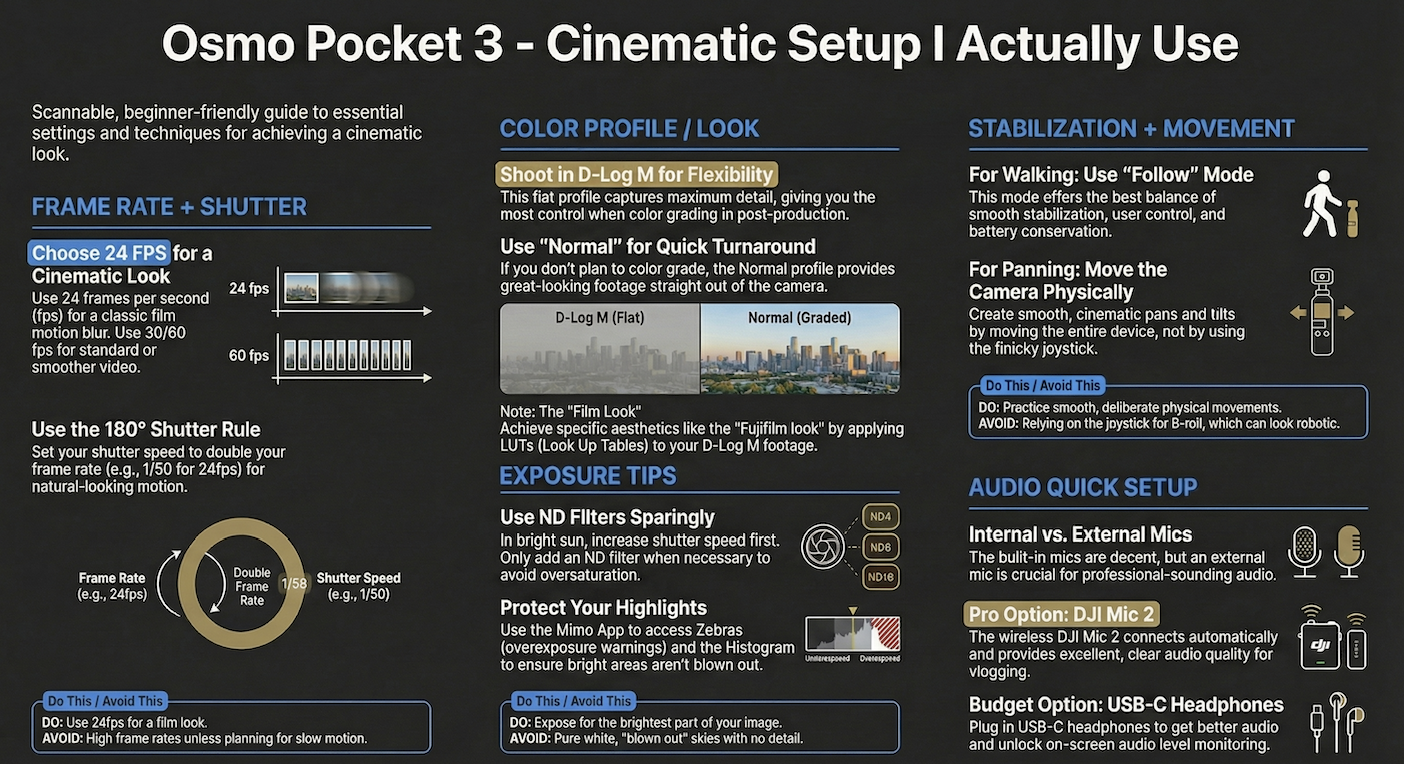
This might sound backward, but it's one of the most important lessons I've learned. The Pocket 3's 10-bit sensor performs beautifully in low light. The real danger to your footage often comes from misusing an ND (Neutral Density) filter in bright sunlight.
My philosophy on exposure is simple: always adjust your shutter speed first before you even think about reaching for an ND filter.
I'm a proponent of pushing your shutter speed higher first. There's a fine line where the image still looks natural and not overly digital. You should only reach for an ND filter when you cross that line and have no other choice.
Why am I so cautious? Because improperly using an ND filter can severely alter your colors. As the source says, "it'll make your Blues Bluer, Your Greens Greener it'll shift the color of your skies." Even worse, if you shoot part of the day without a filter and then add one when the sun comes out, you'll create a major color science inconsistency. That footage becomes a nightmare to match in post-production, ruining the cohesion of your final video.
4.0 Takeaway 3: The Best Audio Hack Is Hiding in Plain Sight
The DJI Mic 2 included in the Creator Combo is an excellent wireless microphone. But what if you didn't buy the combo or need a quick, high-quality audio solution? I stumbled upon a surprisingly effective and affordable alternative.
You can plug any standard pair of USB-C headphones directly into the port on the bottom of the Pocket 3. This simple trick provides a dual benefit. First, the headphone microphone will give you significantly better audio for vlogging than the camera's built-in mics. But here’s the game-changer: plugging in the headphones also activates on-screen audio level indicators. This allows you to visually monitor your audio to make sure it isn't peaking—a crucial feature many users assume requires the expensive wireless mic. As a bonus, it also lets you play back your clips and listen to the audio right from the camera, which is perfect for a quick field check.

5.0 Takeaway 4: It's Tougher Than It Looks (But You Should Still Be Careful)
One of the biggest anxieties for any Pocket 3 owner is the "delicate nature" of the gimbal mechanism. It looks fragile, and the fear of a costly accident is real. However, I can share from personal experience that it's more resilient than you might think.
I've dropped my camera a couple of times from about waist height—once onto a carpeted floor, and another time when it fell out of a clamp I hadn't tightened properly. Each time, my heart stopped, but the camera has survived without any damage so far. That said, I immediately want to balance this by saying you should still get the DJI Care Refresh plan. I know DJI stands by its products—I once crashed my DJI drone, sent it in under the care plan, and they sent me back a fixed one. My drops with the Pocket 3 were lucky. If it lands the wrong way, a single fall could be the end of your camera, and the peace of mind from the protection plan is well worth it.
6.0 Takeaway 5: The Real Bottleneck Isn't the Camera, It's Your Computer
This is a critical warning for anyone considering the Pocket 3. The camera is capable of producing absolutely gorgeous, data-rich footage, largely thanks to its professional features like 10-bit color depth and the D-Log M color profile. The problem is that these features create huge files that can be extremely demanding on your editing computer.
I learned this the hard way when my otherwise capable 2019 iMac completely choked on the footage. It was a wake-up call. I had to switch to a much beefier computer just to edit the 4K 60fps files smoothly. If your computer isn't powerful enough, your only option is to create proxy files—smaller, lower-quality versions of your footage for editing. This is a viable workaround, but it adds a significant, time-consuming extra step to your workflow.
To help you avoid this nasty surprise, I created a free project file pack with footage from the Pocket 3. You can download it and test the files on your own rig before you buy the camera to see if your system can handle it.

7.0 Conclusion: A Pocket Powerhouse with a Personality
The Osmo Pocket 3 is a truly remarkable and reliable camera that has earned its spot in my camera bag. But like any great tool, its true character, quirks, and hidden strengths are only revealed after extensive, real-world use. It’s a camera that rewards experimentation and pushes you to think differently about how to capture a shot.
The Pocket 3 is an incredible tool. But is its true power in the specs it offers, or in the cinematic creativity it unlocks?
Author