Insta360 Luna Ultra Film 101 and 202 Bundle
Sep 29, 2026Want to transform the way you film with the Insta360 Luna Ultra? Here is the Link - https://geni.us/2YIU5S
I created a course on the Insta360 Luna Ultra; Heres Why…
I've been shooting on pocket gimbal cameras for about seven years. I've owned most of them. So when the Insta360 Luna Ultra arrived, I assumed I'd have it sorted in a weekend and move on.
Instead I spent the next several months with it, and it changed how I think about learning a camera at all.
What came out of that is two courses — **Film 101** and **Film 202** — but I want to talk about the process rather than the product, because the process is the part I'd actually recommend to anyone. Not buying a course. Doing what I did.
## Why I went this deep in the first place
Here's the problem with how most of us learn a new camera.
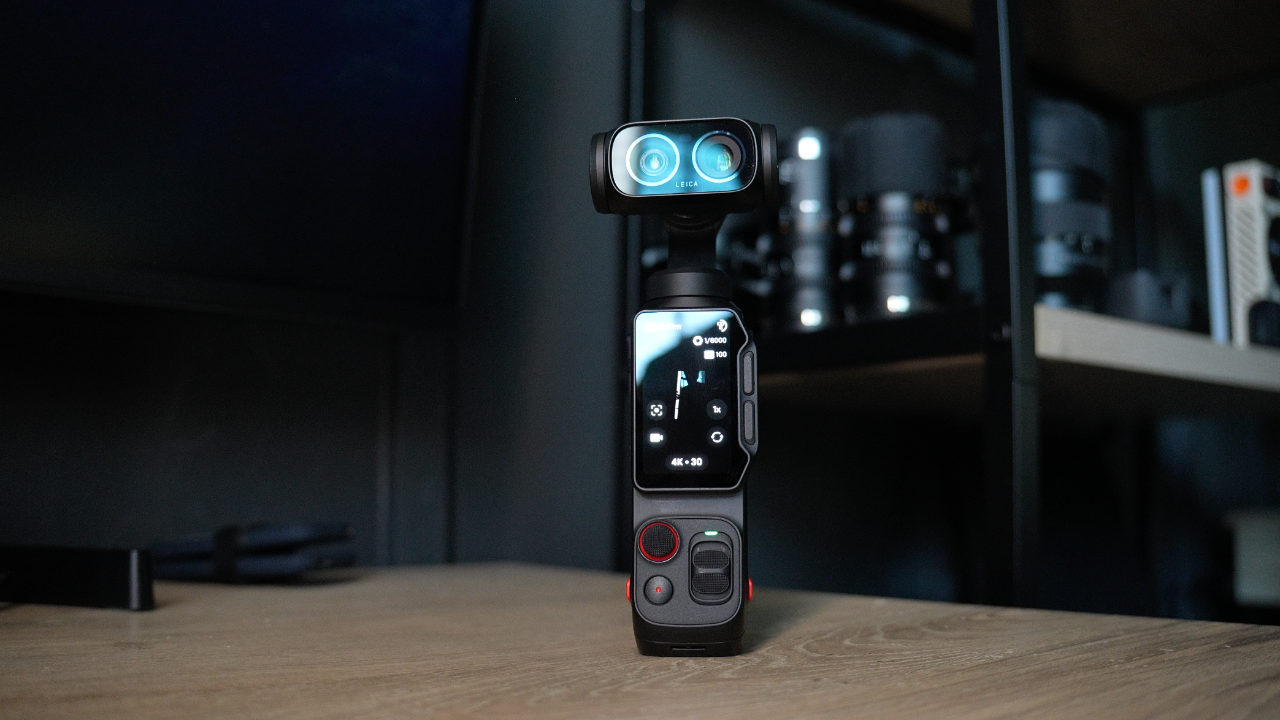
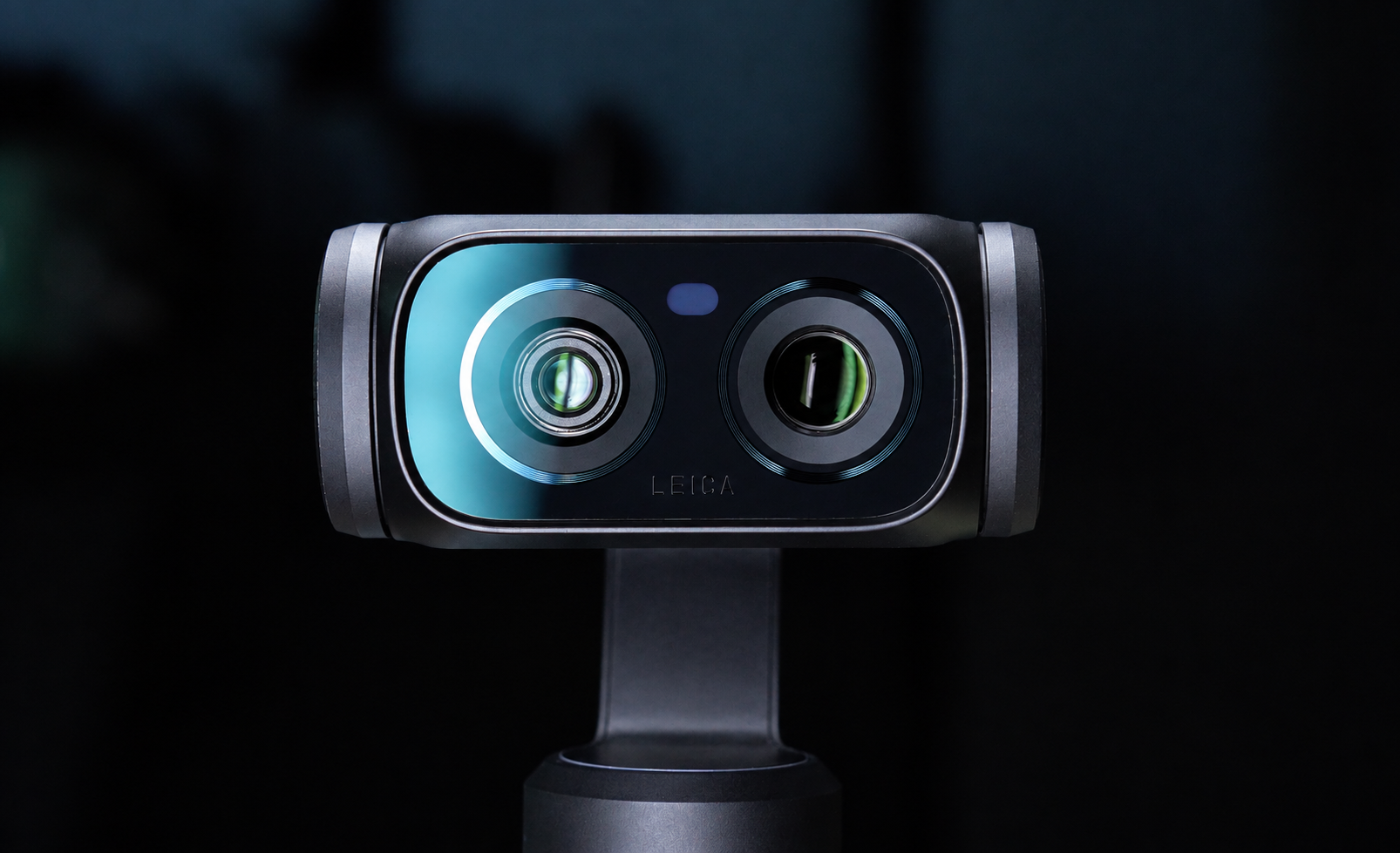
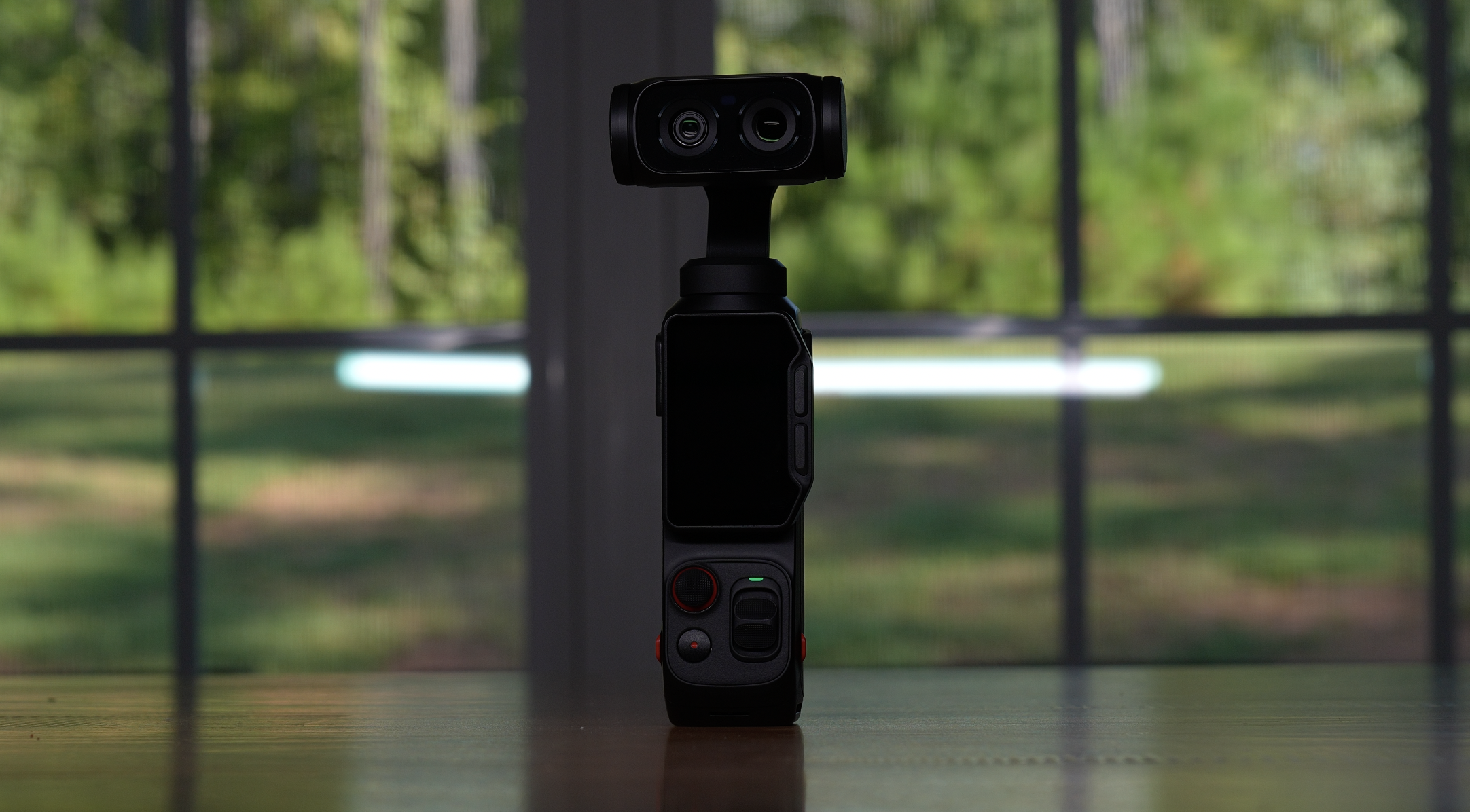
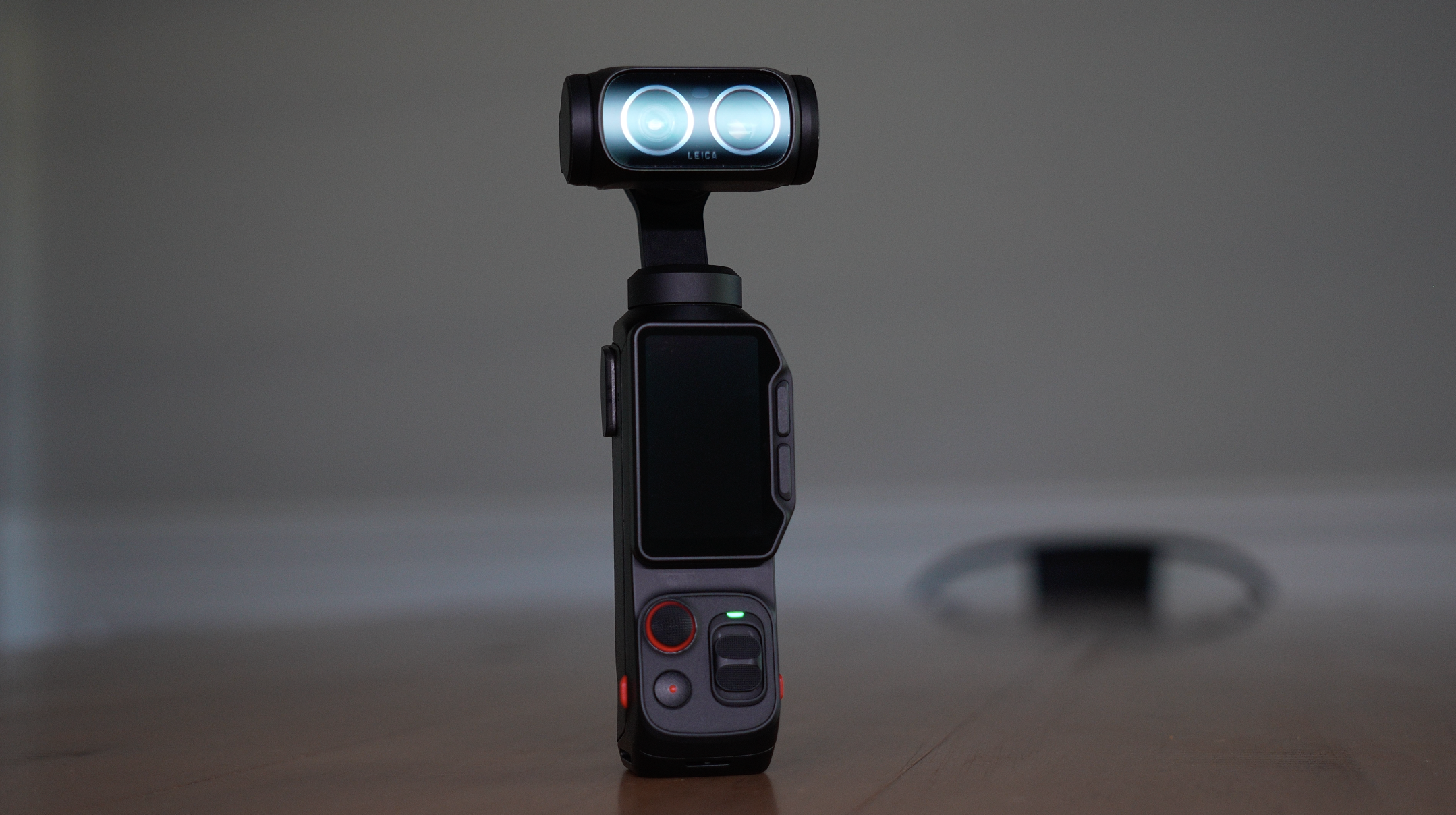
You watch the reviews. You learn the specs — that the Luna Ultra has a 1-inch sensor, Leica-tuned dual lenses, 8K, 10-bit I-Log, a detachable touchscreen. You find out what somebody thinks of it compared to the competition.
And then you go outside and you still can't use it.
Because there's a real gap between knowing what a camera *has* and knowing what it *does*, and I've never found a shortcut across it. The only thing that works is sitting down with the thing, opening every single menu, changing every setting, shooting badly, and working out why it looked bad.
So that's what I did. Not a review. An excavation, and then months of actually shooting with it.
Somewhere in the middle of that I realized I was building a resource for myself anyway, and it seemed wasteful not to share it.
# Part One: Learning the camera
## The four swipes that make everything click
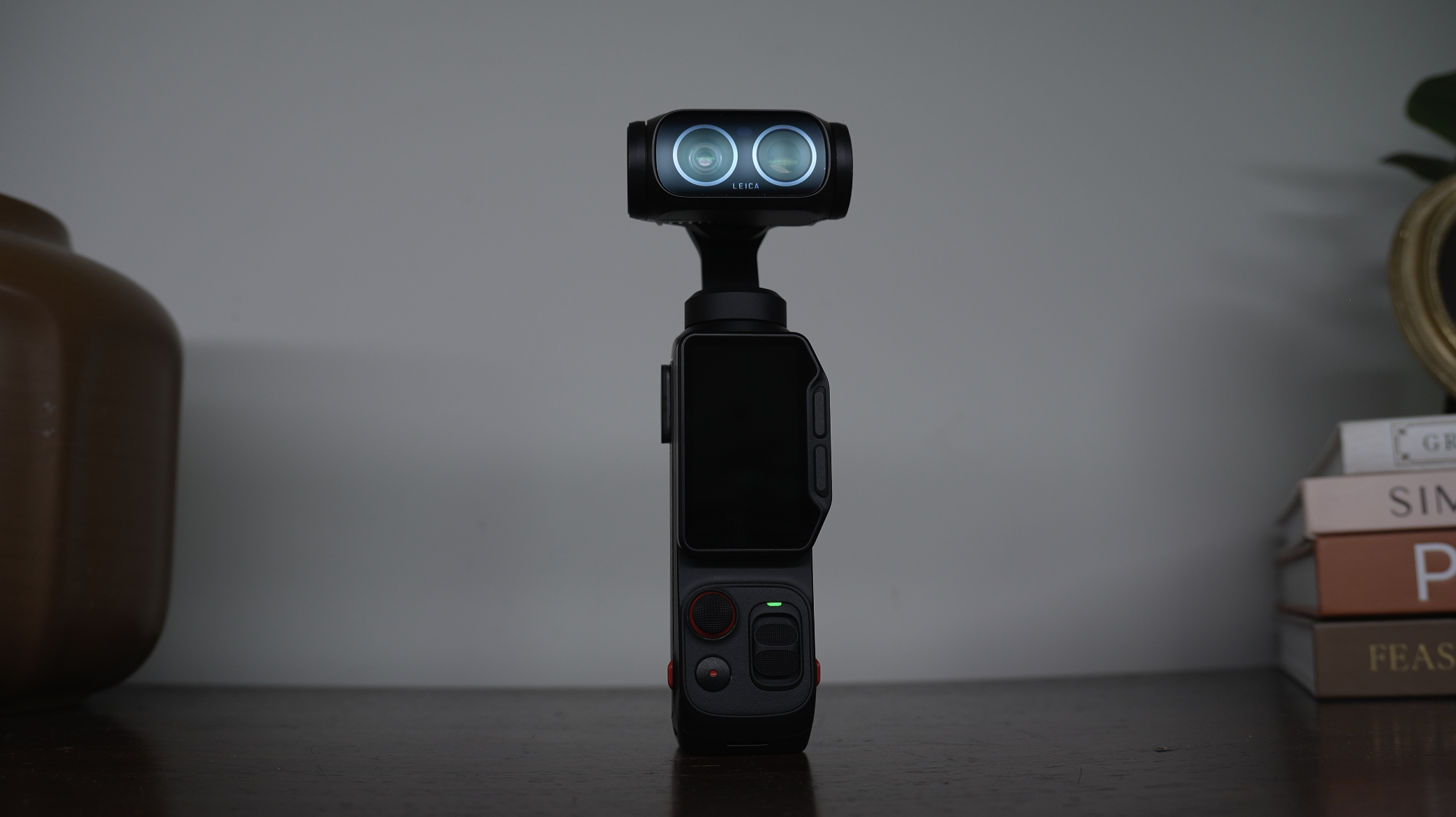
The Luna Ultra's interface is well designed, and that fooled me early. It looked simple, so I assumed I understood it.
Everything on this camera lives behind four swipe gestures from the four edges of the touchscreen. Down, up, in from the left, in from the right. Each one owns a different category of thing.
Once somebody puts it that way it's obvious. But nobody put it that way to me, so I spent my first week hunting through menus like I'd lost my keys.
That's now how the first module of Film 101 is built — not as a list of settings, but as a map. Because once you have the map, you stop searching and start shooting.
## I could not believe what was hiding in the deep settings
There's a settings menu on this camera behind a small gear icon. Insta360's official manual describes the entire thing in a single sentence that ends with the word "etcetera."
One sentence. For a menu with roughly twenty items in it.
So I went through it line by line, and some of what's in there genuinely changed how I use this camera.
There's a setting controlling what happens when you rotate the screen — and depending on how it's configured, rotating either powers the camera off or switches you between horizontal and vertical shooting. If you post to YouTube and TikTok from the same shoot, that one setting reshapes your whole workflow.
There's a lens defogging feature. I had no idea it existed. If you've ever stepped out of a warm car into cold air and watched your lens haze over while the shot disappeared, you'll want that one — and the trick is that it's preventive, not corrective.
There's a gimbal calibration tool that fixes the "why is my horizon slightly crooked in everything" problem that would otherwise have you convinced your camera was faulty.
And there's a bitrate setting where one option is simply better than the other, and the only thing it costs you is card space.
That was the moment this stopped being a personal project and became a course. If that much is buried behind one undocumented menu, what else is in here?
## The setting almost everyone reads backwards
A lot, it turns out. And the biggest one is ISO.
When you open your exposure settings on the Insta360 Luna Ultra, you'll see an ISO number. Almost everybody reads that as "this is the ISO I'm shooting at."
It isn't. It's a **ceiling**. You're not telling the camera where to sit — you're telling it how high it's allowed to climb.
And that distinction explains a complaint I'd seen all over forums and comment sections: people saying their footage looks soft, plastic, over-processed, almost smartphone-like. People arguing about whether the correct number is 400 or 1600 or 3200, everybody confident, nobody agreeing.
They were all answering different questions.
Once you know it's a ceiling, the behavior makes sense. Cap it low and walk into a dim room, and the camera needs more light than you've permitted. It can't raise ISO, because you said no. So it does the only other thing available — it adds digital gain, then runs heavy noise reduction to clean up the mess the gain made.
You didn't avoid noise. You traded it for smearing.
I tested this properly, shooting the same scene at different ceilings and looking at both on a real screen. It's not subtle. A tight ISO ceiling in low light doesn't give you a cleaner image. It gives you a more processed one.
No spec sheet tells you that.
## Two cameras, not one zoom lens
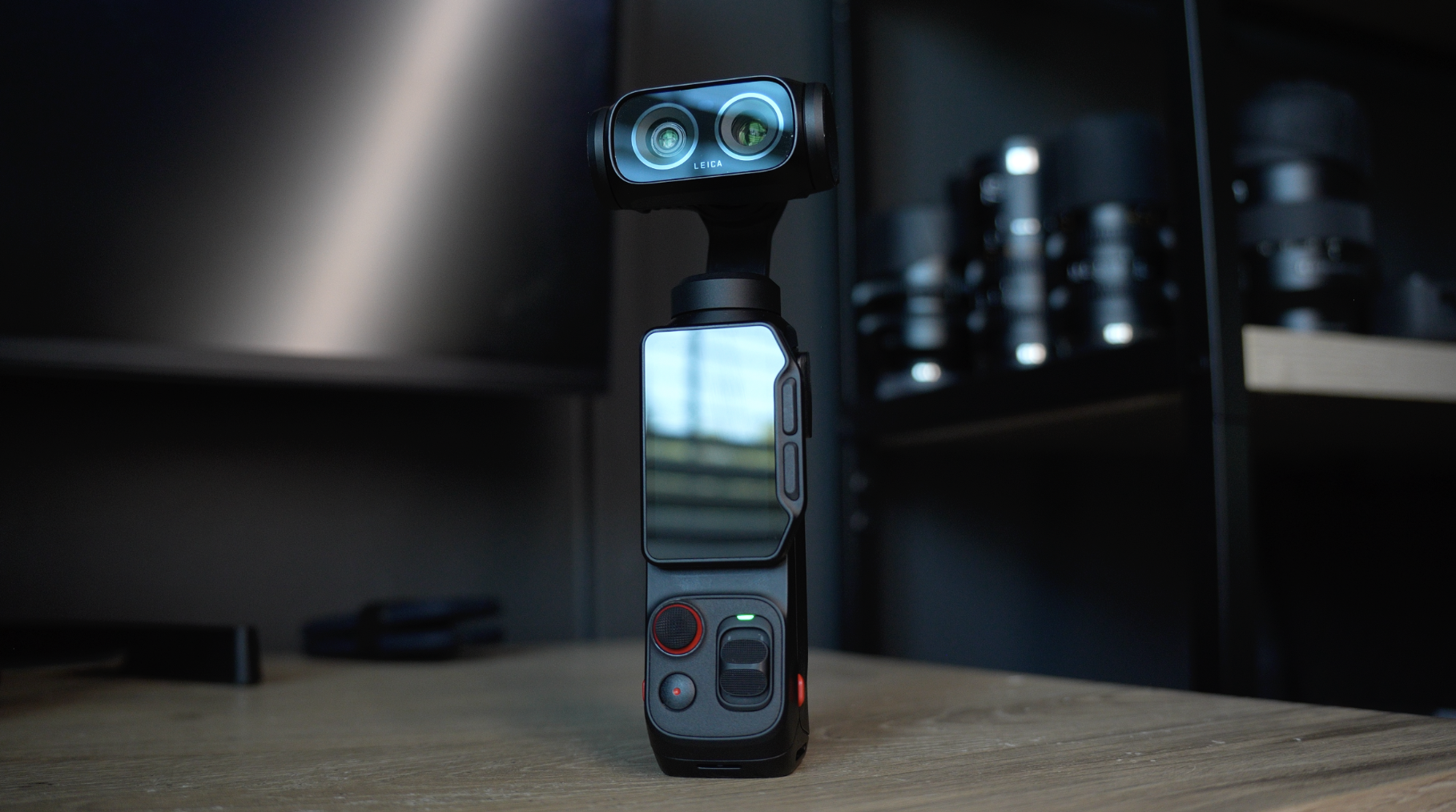
The Luna Ultra doesn't have a zoom lens. It has two separate cameras pointed the same direction — a wide one and a telephoto — with different sensors and different apertures.
Which means there's a boundary in the zoom range where the camera physically hands off from one piece of glass to the other. Cross it while recording and you'll see it: the color shifts, the depth of field changes, and it doesn't read as a creative choice. It reads like a mistake.
Working out how to organize a shoot around that became a full lesson on its own.
But my favourite finding from this stretch came out of pure stubbornness. Insta360 advertises specific focal lengths for these two cameras. I put the Luna Ultra directly against a full-frame camera with a full-frame lens to check — and the advertised numbers aren't quite what you actually get. The wide is a little wider than stated. The telephoto is meaningfully different.
I'm not saying that to dunk on anybody. I'm saying it because the *real* focal length of that telephoto happens to be one of the most useful focal lengths there is for talking-head work, and knowing the actual number changes what you'd reach for it to do.
# Part Two: The fundamentals, outdoors
About halfway through I stopped opening menus and started shooting. And what I found is that a handful of fundamentals matter far more than any individual setting.
## White balance is why your clips don't match
This is the single most common problem I get asked about, and it's almost never what people think it is.
Somebody shoots a whole day, gets home, drops everything on a timeline, and the shots don't sit together. They assume it's the color profile. It basically never is. It's that auto white balance kept re-deciding while they were recording — every time they turned, every time a cloud moved, every time someone walked past in a bright jacket.
Fixing it takes two taps. There's a specific way I go about it that I hadn't seen anyone teach, and it came directly out of trial and error.
## ND filters are the cheapest real upgrade
The Luna Ultra has a fixed aperture, which means you have one fewer dial than you would on a normal camera.
Walk outside on a bright day at a proper cinematic shutter speed and you're blown out, with no way to fix it in-camera without wrecking your motion. That's the entire argument for ND filters, and once it clicks you won't leave home without one.
## Color profiles, and a technique I didn't expect to work
The Luna Ultra shoots 10-bit, with a standard profile, a Dolby Vision HDR mode, and a flat I-Log profile. I shot all three side by side in identical light, which is the only honest way to compare them.
The surprise was a technique this camera allows that competing cameras in its class don't. I won't spell it out here — it's a proper lesson — but it gives you a consistent, pleasing look almost straight out of camera with very little grading needed. I started calling it the poor man's LUT, and I genuinely didn't expect it to work as well as it does.
## Stabilization is a partnership
This one taught me something I already half knew but had never said properly.
The gimbal is doing about half the work. You're doing the other half.
Those motors handle rotation beautifully. They do not handle your body moving up and down as you walk. Everything about fixing that is physical, which is why that lesson is almost entirely me walking around outside rather than talking at a camera.
# Part Three: Actually making shots
Knowing a camera and using a camera turned out to be different skills, and closing that second gap took considerably longer.
## The shot people say this camera can't do
Early on I ran into a claim that stuck with me. A well-known reviewer said flatly, on camera, that the Insta360 Luna Ultra can't lock its gimbal to a fixed direction. Can't do slider-style moves. Not a feature.
It is a feature. It's just hidden somewhere almost nobody would think to look — not in the gimbal modes menu where you'd expect it — and you have to go turn it on before it exists for you at all.
Once found, it became one of my favourite things about this camera. You lock onto a subject, walk sideways, and the camera holds while you move. A handheld walk that reads like it was on rails. And it works while recording, which almost nothing else on this camera does.
## Focus is the thing people see but can't name
Focus pumping — where the image goes soft mid-shot and snaps back, or hunts in and out looking for something to grab — is in almost everybody's footage, and very few people have a name for it. They just know something looks off.
On this camera it's usually one setting away from being solved.
I shot a reveal move the wrong way and the right way back to back. In the wrong version you can see the exact moment the camera decides to refocus on something it shouldn't. In the right version it just sits there, sharp from the first frame.
A professor told me years ago that a shot which isn't in focus is essentially a throwaway shot. Doesn't matter how good the composition is. It ends up in the bin. That's stayed with me.
## Where I was wrong, and left it in
There's a moment shooting low light where I'm making a case I believe in — that the standard video mode gives you more real information than the camera's dedicated low-light mode, and I'd rather have resolution than processing.
Then I point the camera at a building, look at the screen, and have to admit on camera that for this shot I was wrong. The dedicated mode looked better. Noticeably.
I left it in. Partly because it's honest, and partly because it's the more useful lesson. The answer isn't "always use this mode." It's that these two modes fail differently and you should test both in the conditions you actually shoot in.
A course that only shows things working isn't teaching you to make decisions. It's teaching you to copy somebody.
## Audio was the biggest surprise of all
I almost didn't make an audio lesson.
Then I ran a test that genuinely surprised me. The Luna Ultra has a four-microphone array and it's fine. It works. But I stood in one spot, recorded a line, plugged in a cheap pair of USB-C headphones — the kind you buy without thinking — recorded the identical line from the identical distance, and the difference was not subtle.
That's a twenty dollar upgrade. And it's not the only option; I tested several ways of getting sound into this camera, including a wireless setup costing a fraction of the first-party one that works flawlessly.
The reason this matters more than people expect: audiences forgive rough video. They do not forgive bad audio. You've done it yourself — you'll watch a grainy phone clip right through if the person sounds clear, and you'll leave in four seconds if they don't.
## A few things nobody tells you about this camera
Some of these are small. All of them cost me time to find.
**Switching shooting modes silently changes your resolution and frame rate.** No warning, no prompt. Come back to video later and your settings aren't where you left them.
**Shooting 8K costs you more than storage.** You lose access to some creative controls entirely — they're not greyed out, they're gone.
**There's a view-assist option that only appears once you've already selected the flat profile.** Which means the people who most need it never find it, because you have to be in the mode to discover the setting that makes the mode usable.
**The gimbal follow speed only applies while you're recording.** Set it, wave the camera around in standby, see no difference, assume it didn't save. It saved.
**There's no button lock on the detachable screen.** Put it in your pocket while the camera's running and you may find you've started a thirty-minute recording you didn't want.
**The camera runs a low-light enhancement you can't switch off,** which explains both the heat warnings and some of the processed look people complain about in dim conditions.
## What the two courses actually are
**Film 101** is the camera. It takes you from opening the box through every button, menu, gesture and setting — including that undocumented deep settings menu. Then it goes outside for the fundamentals: white balance, bright sunlight and ND filters, the color profiles, working with the two cameras, and stabilization.
By the end you know this camera completely.
**Film 202** is what you do with it. The modes — focus, gimbal, tracking — taught as decisions rather than descriptions. Then the creative work: building a full cinematic setup, shooting in low light, slow motion, photography and panoramas, timelapse and TimeShift, the app, and audio.
A large part of both courses is shot outdoors, with the camera in my hand, in real conditions — including the shots that didn't work.
## Which one you need
If you just unboxed a Luna Ultra and you're not entirely sure what ISO means, start with 101. Nothing gets skipped and nothing is assumed.
If you've been shooting a while and picked this up as a B camera, you'll move through 101 quickly and then find 202 is where your time goes.
And if you want the whole thing, the bundle is both together, which is honestly how I'd do it — because 202 constantly builds on things established in 101, and having that foundation makes everything click faster.
Either way, the goal is the same one I had going into all of this.
Not to memorize settings. To reach the point where the camera stops being something you're operating and becomes something you're simply using — so that when the light is right and the shot is there, you're already rolling.
That's worth the time it takes. It was for me.
*Insta360 Luna Ultra: Film 101 and Film 202 are available individually or as a bundle.*
Author