I Used the Insta360 Luna Ultra for 100 Days. Heres My Verdict
Oct 15, 2026Get the full story watching the video above ⬆️
Purchase:
Insta360 Luna Ultra - https://geni.us/LAQbqnG
The Insta360 Luna Ultra has been one of the most interesting pocket cameras I’ve used in a long time.
What surprised me even more is how divided people seem to be between the Insta360 Luna Ultra and DJI Osmo Pocket 4P. Some people think the Pocket 4P is clearly the better camera, while others would choose the Luna Ultra without even thinking twice.
After using the Insta360 Luna Ultra for about 45 days, I’ve gotten a much better idea of where this camera shines, where it still needs improvement, and who I think should actually buy one.
And just to be completely clear, Insta360 did not send me this camera. I originally borrowed it from a friend who works at B&H Photo, and after using it for more than a month, I decided I wanted to buy one myself.
So in this Insta360 Luna Ultra review, I want to go beyond the spec sheet and talk about what this camera is actually like to use.
I'll cover:
- Insta360 Luna Ultra image quality
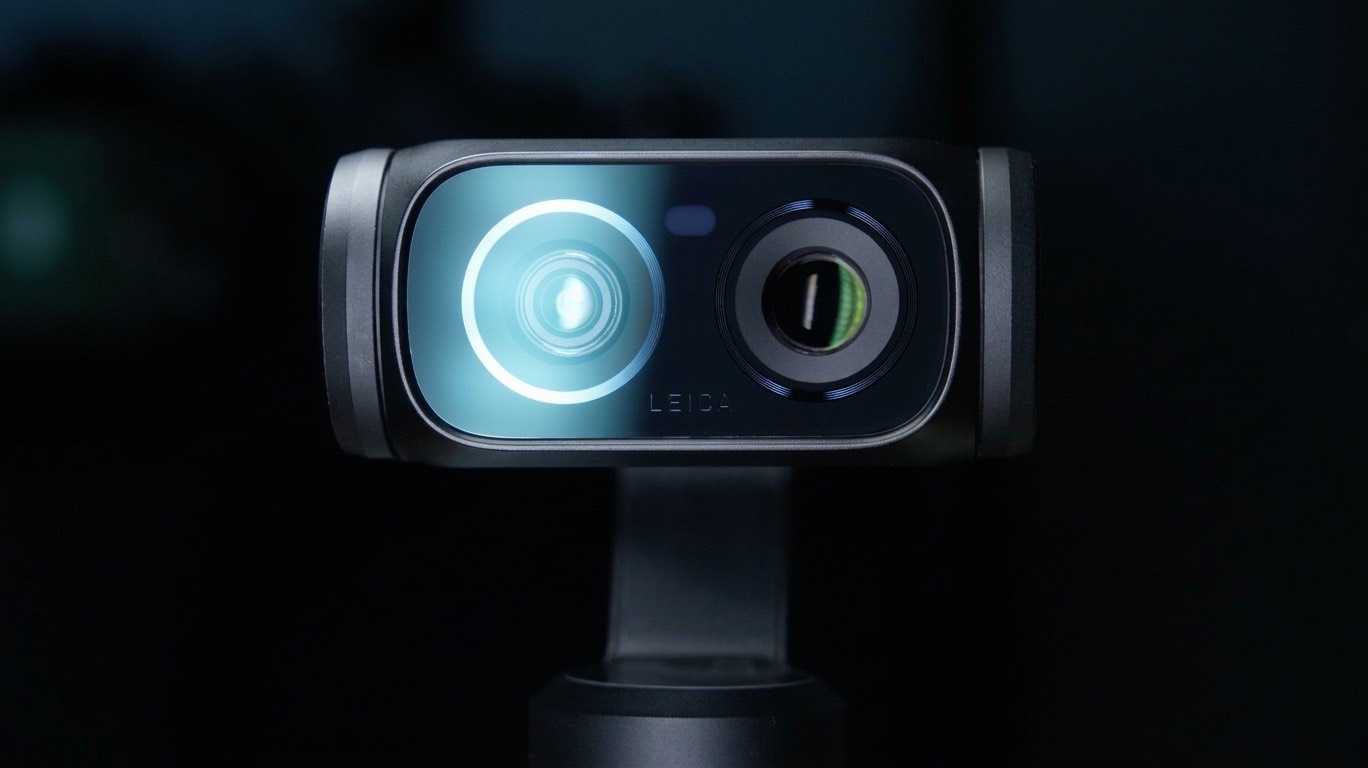
- The 1X and 3X cameras
- i-Log
- Low-light performance
- 4K 120fps and slow motion
- 8K video
- Stabilization
- Tracking
- The detachable screen
- Everyday usability
- The things I don't like
- Who I think the Luna Ultra is actually for
Insta360 Luna Ultra Film 101 & Film 202 Course
Before we get into the review, if you already own the Insta360 Luna Ultra and want to learn how to actually get the most out of it, I created a complete Insta360 Luna Ultra Film 101 and Film 202 course bundle.
Film 101 is designed to help you understand the camera from the ground up. I walk through the settings, exposure, frame rates, white balance, color profiles, i-Log, stabilization, audio, and the things I think you should change before you really start filming.
Then Film 202 takes things further and focuses much more on actually creating better-looking footage. We get into cinematic shooting techniques, using the different lenses, movement, composition, low-light filming, slow motion, and how I personally use the Luna Ultra in real-world situations.
The goal isn't just to teach you where everything is in the menu. I want you to understand why you would use a particular setting and what it's actually doing to your footage.
You can find my Insta360 Luna Ultra Film 101 + Film 202 course bundle at The Film Alliance.
Now let's get into the camera.
Using the Insta360 Luna Ultra Every Day
After living with the Luna Ultra for this long, one of the biggest things I've noticed is just how easy it is to bring with me.
It doesn't feel like a camera that I have to plan around.
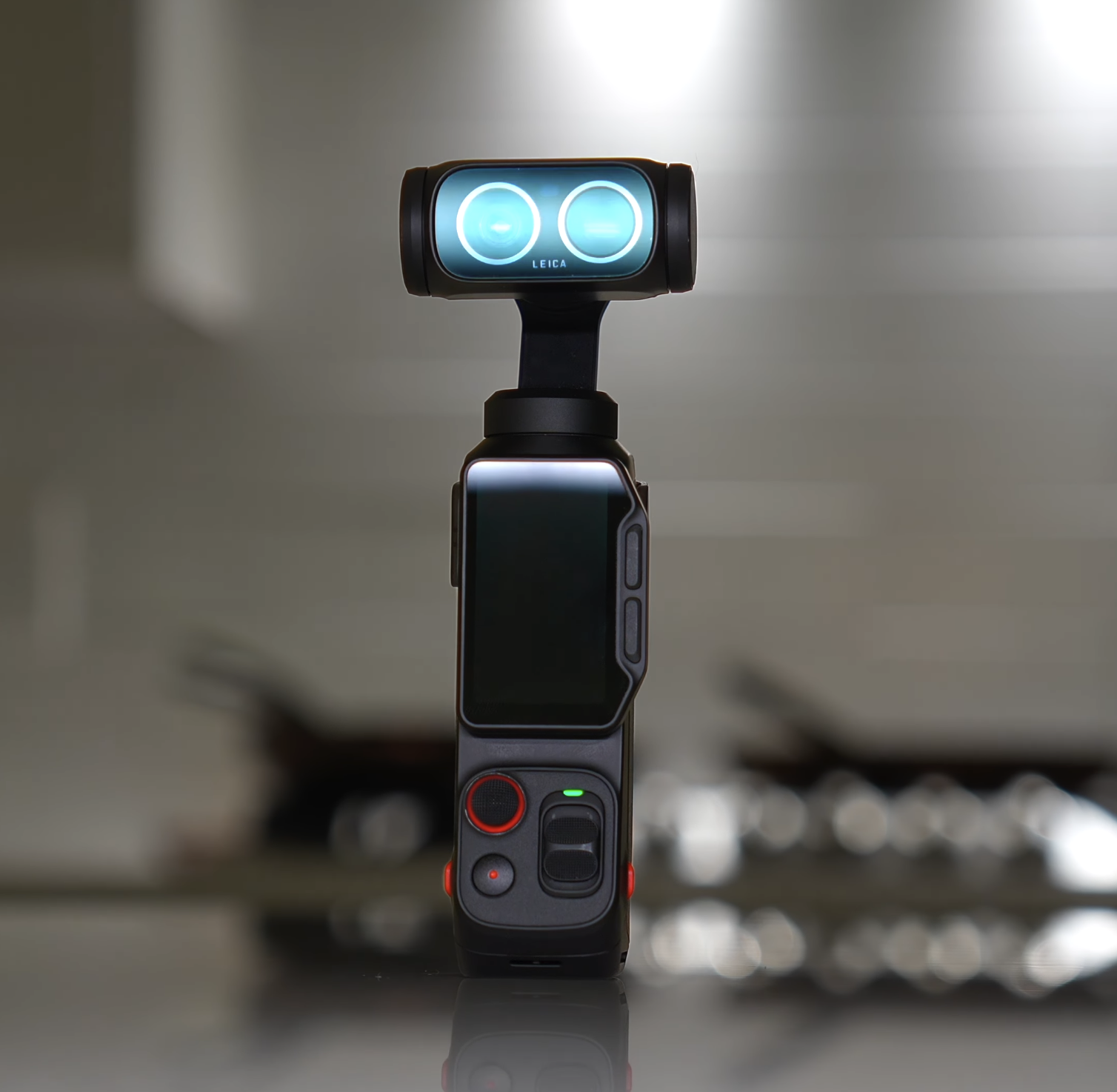
I can throw it into my bag and immediately have a wide camera, a tighter 3X camera, stabilization, internal storage, and a detachable screen that I can use when I'm filming myself.
That's probably one of the biggest reasons I keep reaching for it.
I've used the Luna Ultra for family videos, cinematic B-roll, talking-head shots, walking shots, YouTube videos, and those random moments where I probably would have normally grabbed my phone.
The more I use it, the less it feels like a little pocket gadget and the more I treat it like an actual camera.
It isn't perfect, though.
There are several things that started bothering me more as I spent time with it, especially when it comes to accessing manual settings and using the detachable screen.
But purely from an everyday usability standpoint, the Insta360 Luna Ultra is one of the easiest cameras I've used in a long time.
The Detachable Screen Changes How You Can Film
One of my favorite features of the Insta360 Luna Ultra is the detachable screen.
If you're a solo creator, this is a bigger deal than it might sound like on paper.
I can put the Luna Ultra somewhere, detach the screen, walk into the shot, check my composition, start recording, and even use the microphone built into the screen.
I don't have to connect my phone or bring a separate monitor.
I've been able to get shots with the Luna Ultra that would normally require another person standing behind the camera.
For me, that's one of the biggest things separating the Luna Ultra from a lot of other small cameras.
I can also quickly move between the 1X and 3X cameras, and when you combine that with the rotating interface, internal storage, stabilization, and detachable screen, it feels like the camera was really designed around people who frequently film themselves.
The biggest advantage of the Luna Ultra isn't necessarily image quality.
It's the number of different shots I can get from one small camera.
Insta360 Luna Ultra Controls and Everyday Usability
The Luna Ultra is generally very quick to start filming with.
I can turn it on, get my shot, and move on.
The battery has also been good enough for the way I use the camera that I'm not constantly thinking about charging it.
Another feature I've really appreciated is the internal storage.
There have already been situations where I forgot a card or filled one up, and having internal storage meant I could keep filming.
The detachable display usually connects quickly, and the range has worked well for how I've been using it.
But the screen is also where some of my frustrations begin.
The touchscreen isn't as responsive as I'd like, and getting to important manual camera settings like ISO, shutter speed, and white balance can require too many steps.
Even worse, you can't change those settings while you're recording.
That means if your lighting suddenly changes, you may have to stop recording before you can correct your exposure.
I like the custom buttons, but I'd like more customization options.
And if I detach the screen and put it into my pocket, I'd really like the ability to lock the controls.
Those might seem like small things, but they become much more noticeable when you're using the camera every day.
Insta360 Luna Ultra Image Quality
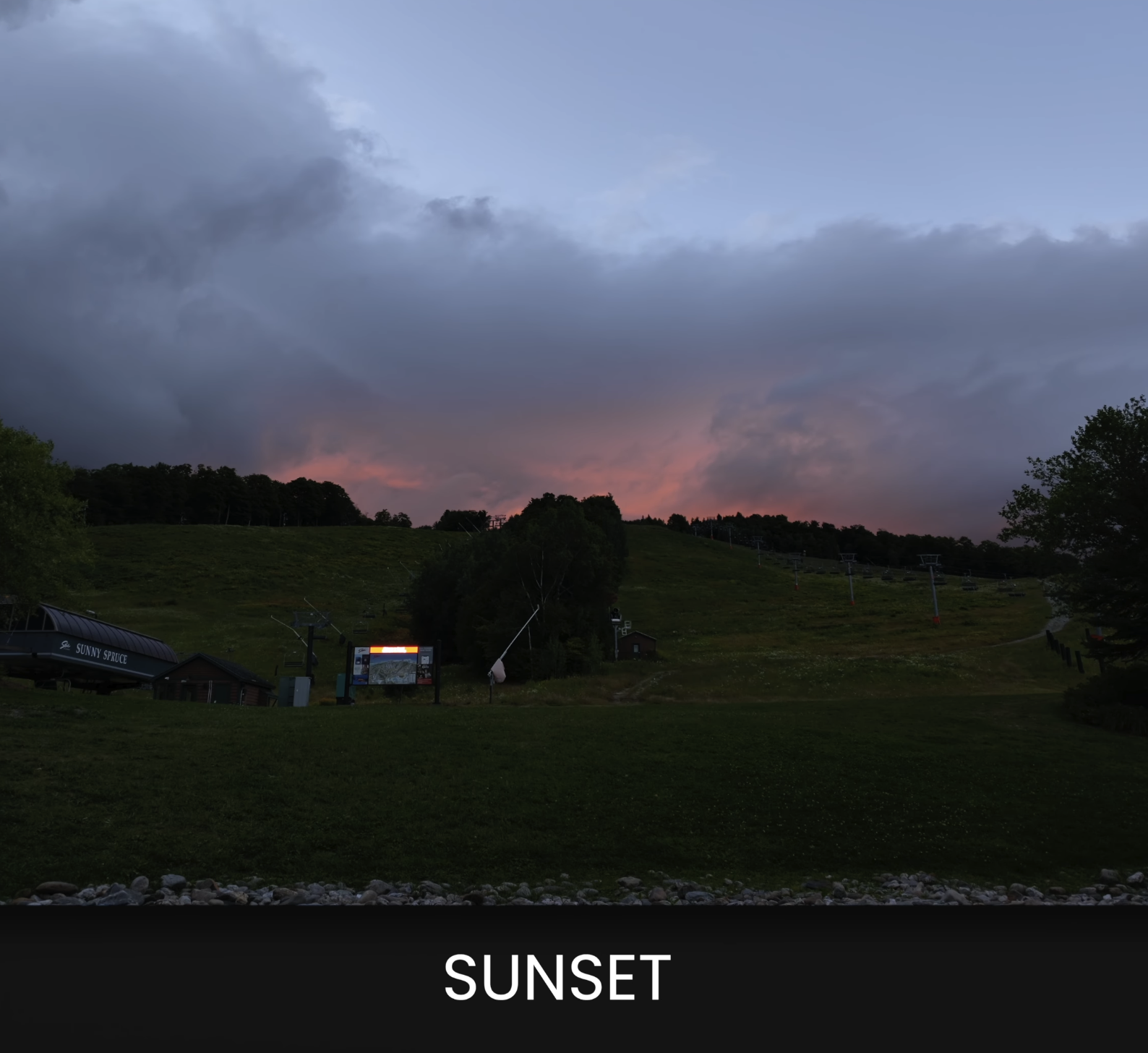
When I first started looking at the Insta360 Luna Ultra footage, I was genuinely impressed.
The Standard color profile gives you deeper contrast, more sharpening, and a little more saturation straight out of the camera.
It creates a very finished-looking image without requiring much editing.
I wouldn't describe the Luna Ultra as having that overly digital or plastic smartphone look. But compared with something like the Osmo Pocket 4P, the Luna definitely has more pop.
The Pocket 4P looks a little softer and more film-like to me.
And I think that's one reason people are so divided between these cameras.
The Luna Ultra can look extremely good without much work.
Skin tones generally look good, and the highlights and shadows hold together surprisingly well.
The image also remains usable when the lighting isn't perfect.
There are situations where I notice more processing in foliage, small details, and movement, and the 1X and 3X cameras don't always match perfectly.
But if you're someone who doesn't want to spend a lot of time color grading, the Luna Ultra Standard color profile produces a very good image directly out of the camera.
Shooting i-Log on the Insta360 Luna Ultra
When I want the most flexibility out of the camera, I switch over to i-Log.
i-Log gives me a flatter 10-bit image, which gives me more room to adjust things like highlights, shadows, white balance, contrast, and color once I bring the footage into my editing software.
The Luna Ultra also has a feature called Color Recovery.
When Color Recovery is enabled, you get a more normal-looking preview on the screen while the camera continues recording the flatter i-Log image.
I like using this because it makes it much easier to judge the scene and skin tones while filming.
But there's one major feature I still want.
Zebras.
Color Recovery doesn't tell me whether my highlights are actually clipping.
I'd really like Insta360 to add zebras in a future update because it would make exposing i-Log much easier.
My normal Luna Ultra i-Log workflow is to get the exposure and white balance as close as possible in-camera, make some basic corrections in post, and then apply one of my Film Alliance Luna Ultra LUTs.
One of the biggest things I've learned is to be careful about underexposing i-Log.
You can recover quite a bit, but if you have to lift really dark shadows too far, the noise becomes much more obvious.
In lower-light environments, I personally like exposing i-Log around +1.0 because I've found that gives me a better-looking image.
Insta360 Luna Ultra Low-Light Performance
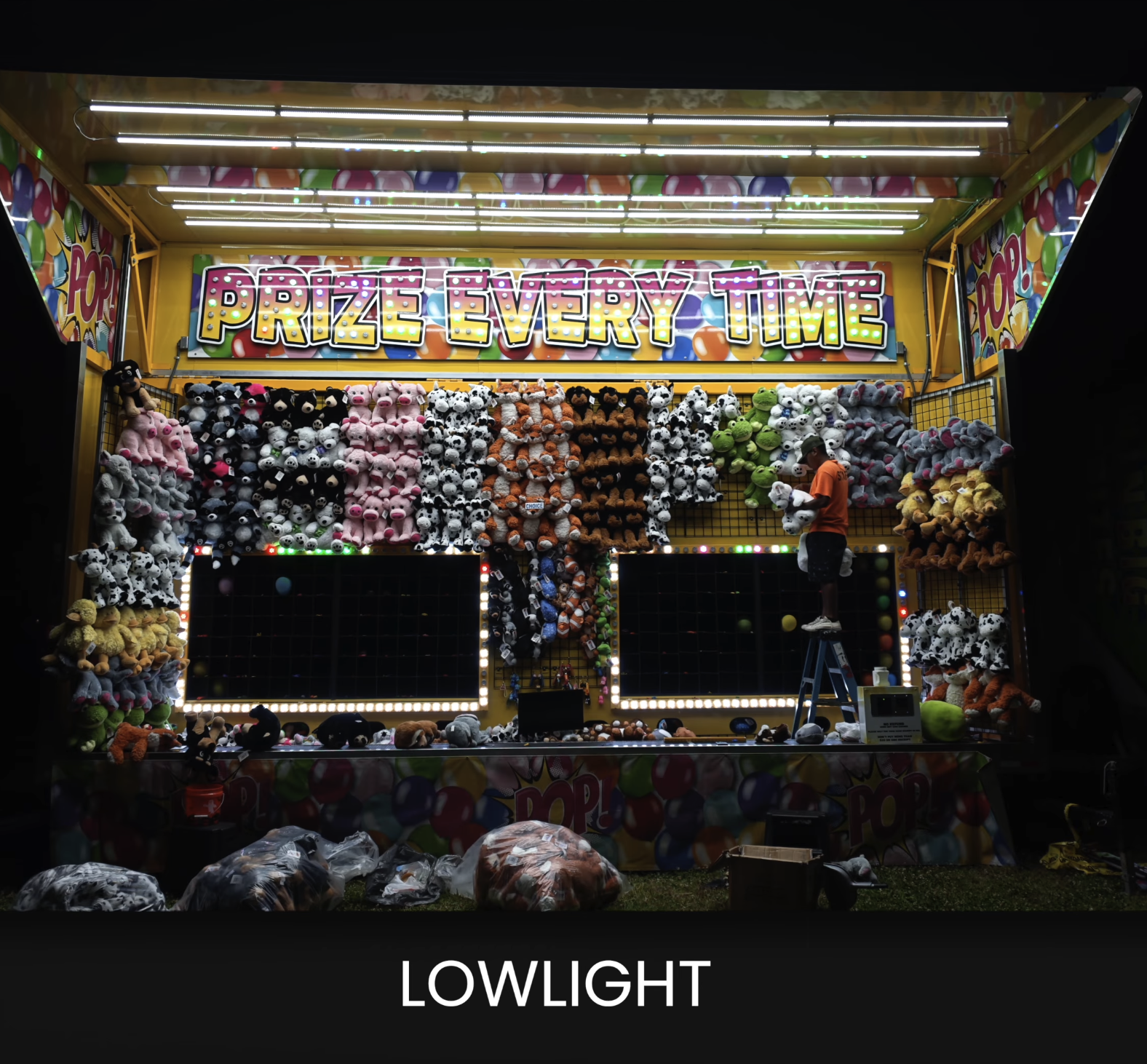
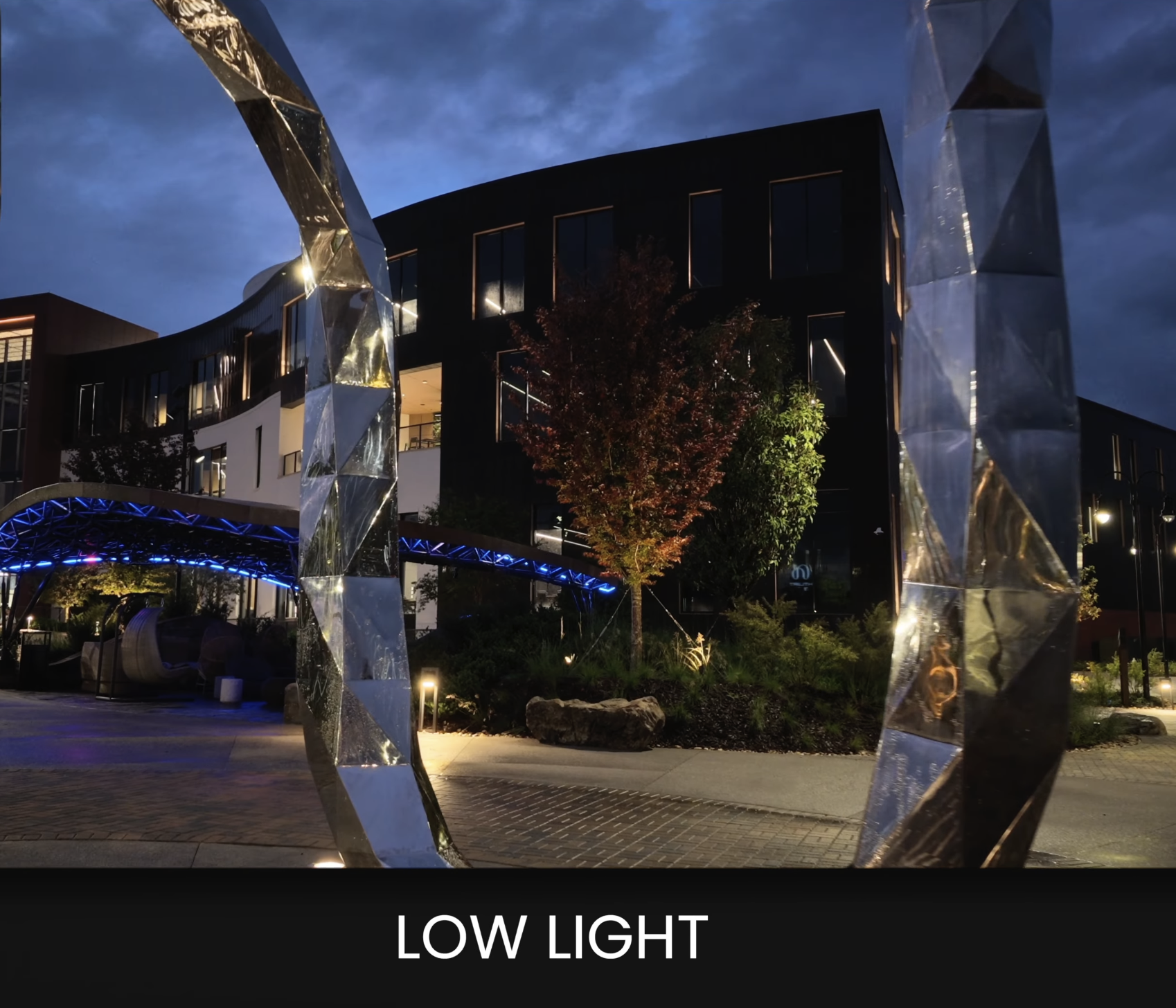
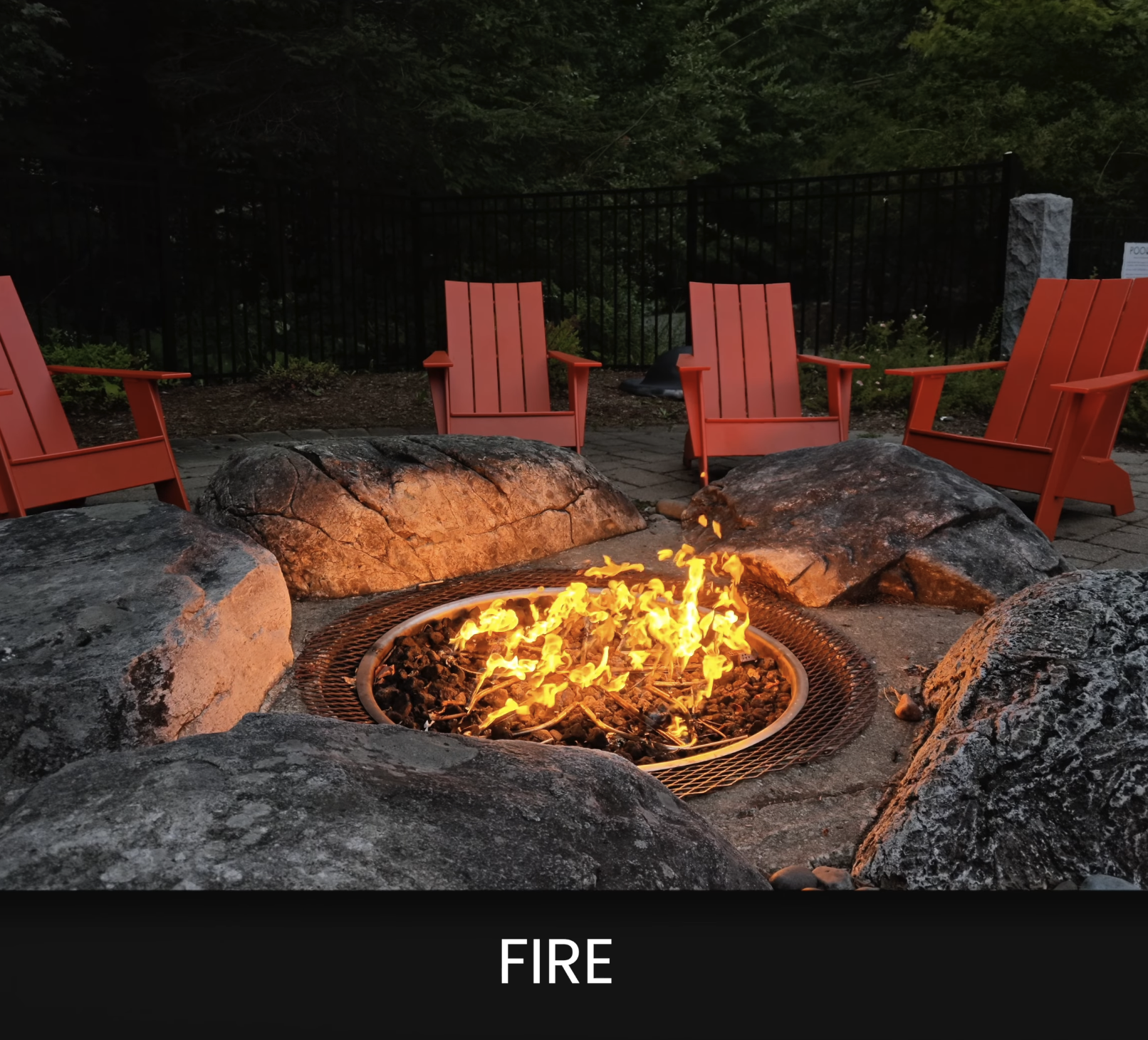
The low-light performance of the Insta360 Luna Ultra surprised me.
This little camera can produce some really good results after the sun goes down.
I normally prefer shooting manually because I want to decide how much noise I'm willing to accept instead of letting the camera automatically brighten everything and add processing that I can't undo later.
Standard mode normally gives me the cleaner-looking image straight out of the camera.
i-Log gives me more flexibility for recovering highlights and shadows, but again, you have to be careful with your exposure.
If i-Log is underexposed and I have to push the image too far in post, noise and blotchy detail can become much more visible.
I've also found that Auto ISO can sometimes make the image look overly smooth or mushy, almost like the camera's noise reduction is becoming too aggressive.
Once I start pushing beyond roughly ISO 400 to 600, I pay much more attention to skin tones, shadow detail, and color shifts.
Another important thing to know is that the 1X camera performs better in low light than the 3X camera.
When things get really dark, I generally go back to the 1X.
Insta360 Luna Ultra 4K 120fps Slow Motion
Most of the time I'm filming with the Luna Ultra in 4K at 24fps, 30fps, or 60fps.
Those are the frame rates where I find the camera produces the most consistent results for the type of content I create.
But the 4K 120fps slow motion has also impressed me.
And importantly, you can shoot 4K 120 using both the 1X and 3X cameras.
Like almost every small-sensor camera, though, the Luna Ultra still needs enough light.
Once ISO starts climbing, noise becomes more noticeable and you can start losing some fine detail.
The camera also offers 1080p at 240fps.
That can create some extremely slow footage, and it can look good in Standard mode, but personally I would only use 1080p 240 when I really need that amount of slow motion.
Most of the time, I would rather keep the additional detail I'm getting from 4K 120.
Can the Insta360 Luna Ultra Shoot 8K?
Yes.
The Insta360 Luna Ultra can record up to 8K at 30fps.
I haven't used 8K nearly as much as 4K, so I'm not going to pretend I've spent months stress-testing every part of the 8K mode.
For the way I shoot, 4K is still what I would use almost every day.
Most of my content ends up on YouTube anyway, where the footage is eventually compressed, and 8K files take up considerably more storage space.
Having 8K is nice, but it isn't the main reason I would buy this camera.
Insta360 Luna Ultra 1X vs 3X Camera
Having both a 1X and 3X camera in the same compact body is probably one of my favorite Luna Ultra features.
I use the 1X camera for:
- Establishing shots
- Walking shots
- Vlogging
- Wider compositions
- Scenes where I want to show the environment
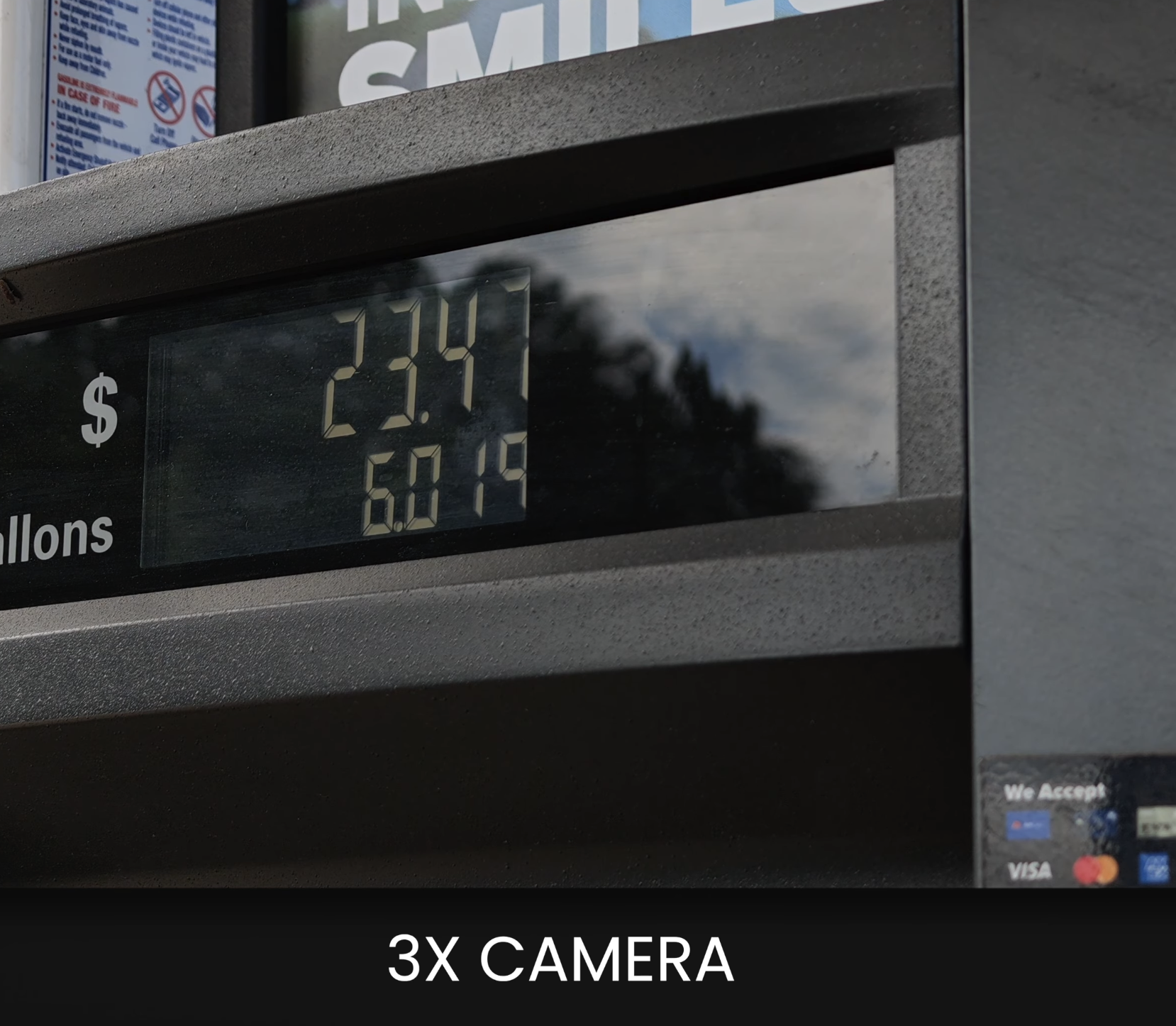
But honestly, the 3X Luna Ultra camera might be the one I enjoy using even more.
I use the 3X for:
- Talking heads
- Portraits
- Product shots
- Close details
- Shots where I want stronger background compression
That tighter field of view can make a shot feel much more intentional.
Both cameras can also focus surprisingly close to a subject.
The downside is that the two cameras don't always match perfectly in color, exposure, or low-light performance.
The 3X camera also starts struggling sooner when the light gets bad.
What About the Luna Ultra 6X and 12X Zoom?
You can zoom beyond the 3X camera to 6X and eventually 12X.
I've used these longer focal ranges a few times.
The 6X can still be useful when you have enough light.
But personally, I would buy the Luna Ultra because of the real 1X and 3X perspectives, not because of the 12X digital zoom.
That's where I think most of the value is.
Insta360 Luna Ultra Stabilization
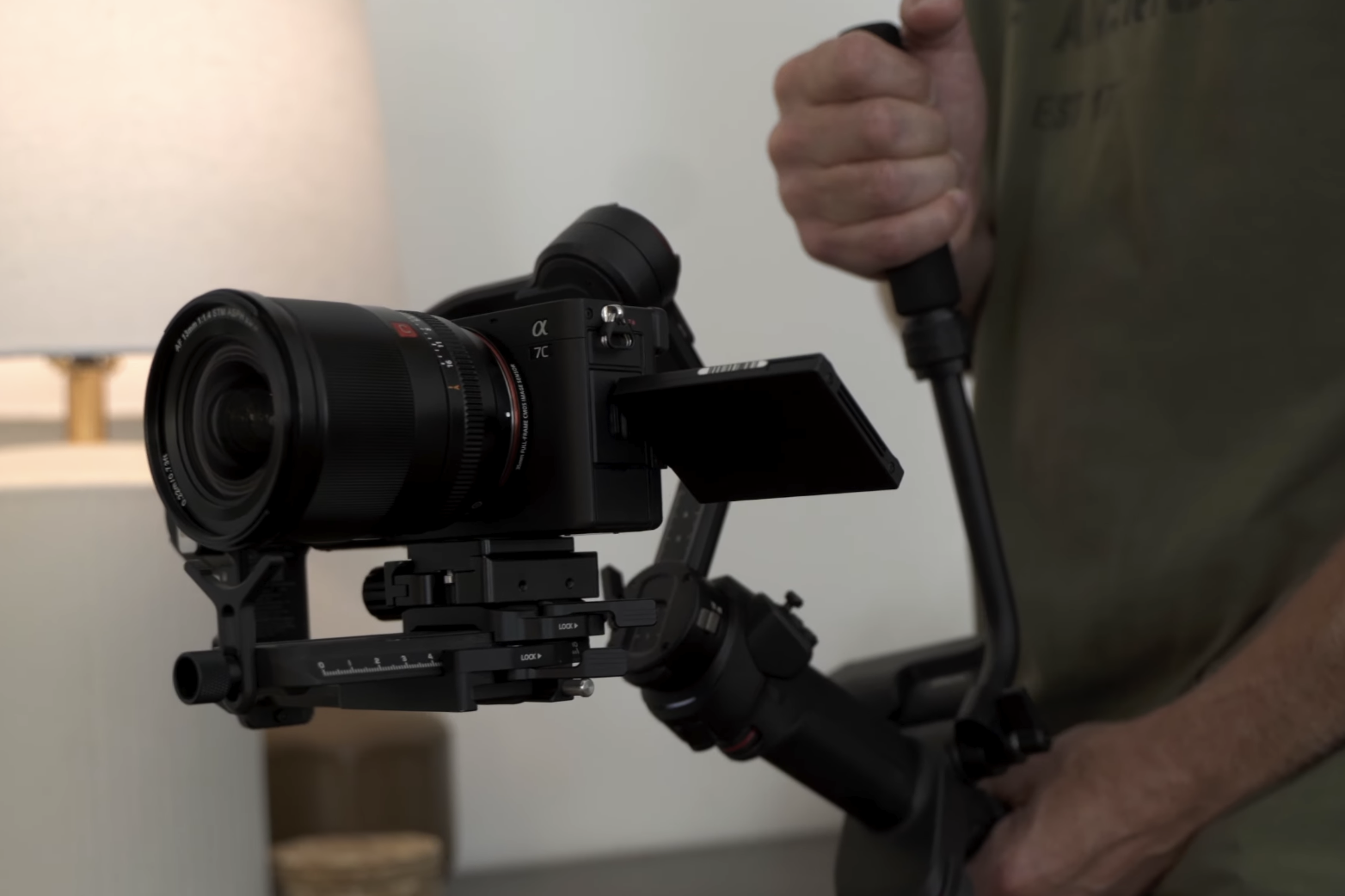
The stabilization on the Luna Ultra is another area where I've been really impressed.
For normal walking shots, it does a great job.
The footage usually looks smooth without looking overly floaty, and the horizon generally stays where I want it.
If I start walking faster or changing direction quickly, I can see a little more vertical movement.
But it's still considerably smoother than trying to shoot the same type of footage handheld with a traditional camera.
I also like the way the gimbal responds when I pan.
I can create slower cinematic movements or speed things up depending on the shot I'm trying to get.
I've also compared it extensively with the Osmo Pocket 4P, and both cameras do a really good job with stabilization.
Insta360 Luna Ultra Tracking
I haven't used tracking nearly as much as I've tested stabilization, so I'm not going to oversell this part of the camera.
In the situations where I've tested tracking, it has worked well.
But stabilization is definitely something I've used much more heavily during my time with the Luna Ultra.
What I Don't Like About the Insta360 Luna Ultra
No camera is perfect, and after using the Luna Ultra for this long, there are definitely a few things I'd like to see improved.
The biggest issues for me are:
- You can't change important settings while recording
- ISO, shutter speed, and white balance take too many steps to access
- There are no zebras
- Custom buttons need more options
- I'd like more control over noise reduction
- The detached screen needs a control lock
- I've occasionally noticed lag
- Heat and battery drain can become noticeable
- Switching between cameras isn't always seamless
- Vertical shooting is limited unless you rotate the camera
- There's no USB streaming
- The battery isn't replaceable
- I'd be careful using it around bad weather
I've also seen other Luna Ultra owners mention things like screen freezes, disconnections, and dirty-contact warnings.
I personally haven't experienced those issues, so I'm not going to claim that they're universal problems.
But enough people have mentioned them that I think they're worth being aware of.
Another thing I don't like is that the Luna Ultra has to be activated through the Insta360 app before you can use it.
DJI does something similar with its pocket cameras, but personally, I don't think a camera should require a phone just to unlock something you've already purchased.
Who Should Buy the Insta360 Luna Ultra?
So after 45 days, who do I think the Insta360 Luna Ultra is actually for?
I think it makes the most sense for:
Solo creators: The detachable screen makes it much easier to frame yourself and operate the camera without another person.
YouTubers: You get multiple focal lengths, stabilization, good image quality, internal storage, and a very small camera you can keep nearby.
Travel creators: It's compact enough to take almost anywhere while still giving you much more flexibility than a single-lens pocket camera.
Vloggers: The stabilization, wide camera, detachable display, and built-in microphone options make it a very practical vlogging camera.
Family filmmakers: It's easy enough to grab quickly while still providing more creative options than a smartphone.
Content creators: The 1X and 3X cameras make it possible to create noticeably different compositions without switching lenses.
I would trust the Luna Ultra for YouTube videos, family filmmaking, travel videos, behind-the-scenes content, and even certain paid shoots.
I still wouldn't make it my only camera on an important professional job where I only get one chance to capture something.
But as a small camera that can be carried almost anywhere, it's incredibly useful.
Insta360 Luna Ultra vs Osmo Pocket 4P
This is probably the comparison most people want to know about.
For me, it's a difficult one.
I still think the Osmo Pocket 4P is the stronger pure imaging tool.
But the Insta360 Luna Ultra can be the more useful camera when I'm filming alone.
Those aren't necessarily the same thing.
The detachable screen, internal storage, 3X camera, and overall flexibility give the Luna Ultra some real advantages depending on how you film.
And that's probably why people are so divided between the two cameras.
I don't think there is one answer that makes sense for everyone.
Is the Insta360 Luna Ultra Worth It?
After roughly 45 days with the Luna Ultra, my experience with the camera was good enough that I decided I wanted to buy one myself.
That's probably the simplest way I can sum up this review.
The Luna Ultra isn't perfect.
I want zebras. I want faster access to manual settings. I want better customization. I'd like more control over image processing and several improvements to the detachable screen.
But I keep using it.
And ultimately, that's what matters to me.
The combination of the 1X and 3X cameras, detachable screen, stabilization, internal storage, i-Log, slow motion, and compact size gives me a lot of creative options without forcing me to carry a larger camera setup.
I'm not saying everybody should go out and buy the Luna Ultra.
But for the way I film, especially when I'm shooting alone, it has earned a place in my camera bag.
Learn the Insta360 Luna Ultra With Film 101 + Film 202
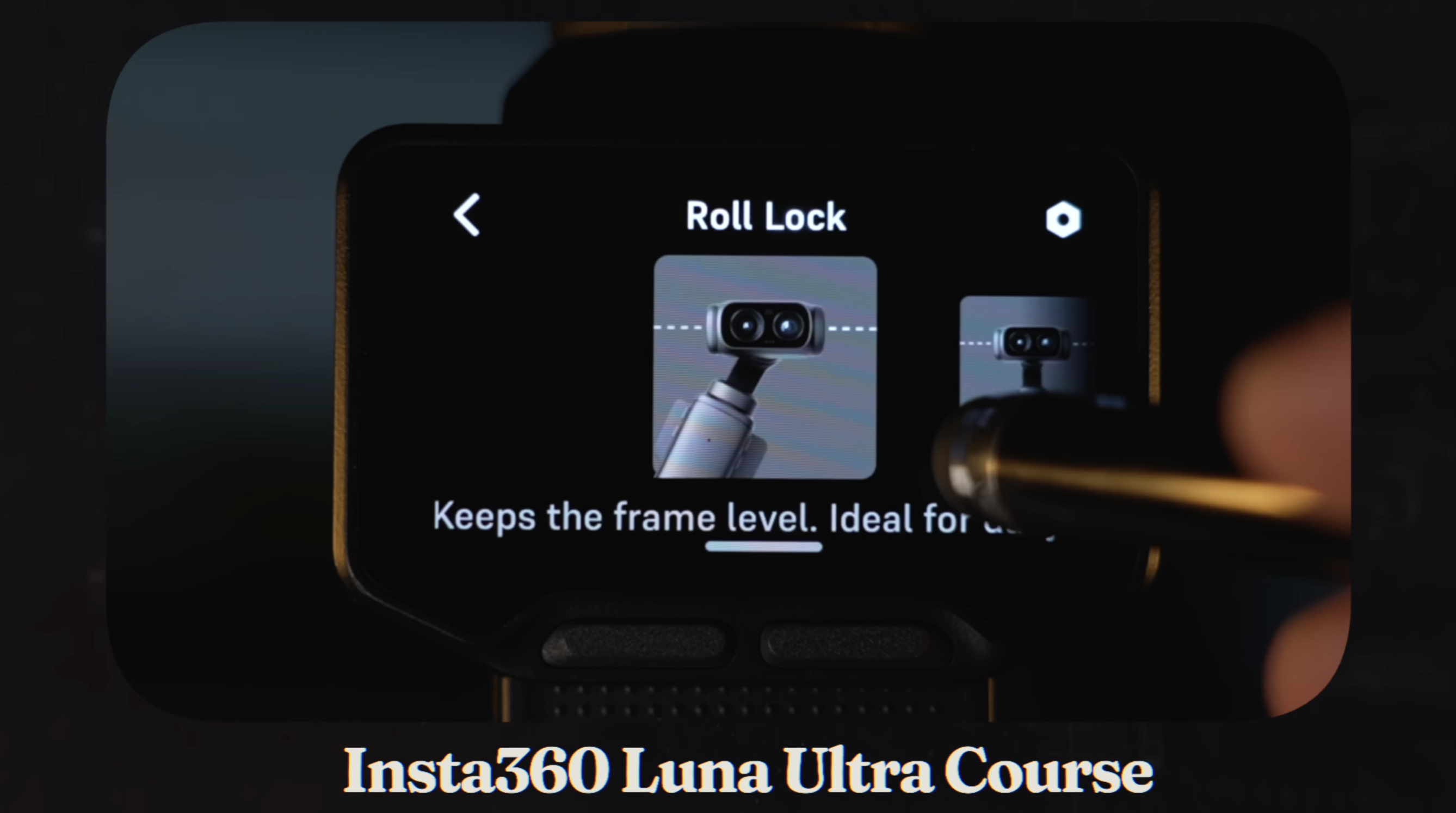
If you already bought the Luna Ultra, or you're planning to get one, and you don't want to spend weeks trying to figure everything out through trial and error, that's exactly why I created my Insta360 Luna Ultra Film 101 and Film 202 courses.
Film 101 walks you through setting up the Luna Ultra and understanding the camera itself, including the menus, exposure, frame rates, white balance, stabilization, color profiles, i-Log, audio, and the settings I actually recommend using.
Film 202 is where we take those settings into the real world and focus on creating better footage. I go deeper into cinematic movement, composition, the 1X and 3X cameras, slow motion, low-light shooting, and the techniques I use when I'm filming with the Luna Ultra myself.
I also created Luna Ultra LUTs for creators who want to take their footage beyond the camera's built-in colors and give it more of a finished or cinematic look.
You can find the Insta360 Luna Ultra Film 101 + Film 202 Course Bundle and my Luna Ultra LUT packs over at The Film Alliance.
I'm Joe with The Film Alliance, and I'll see you in the next one.
Author