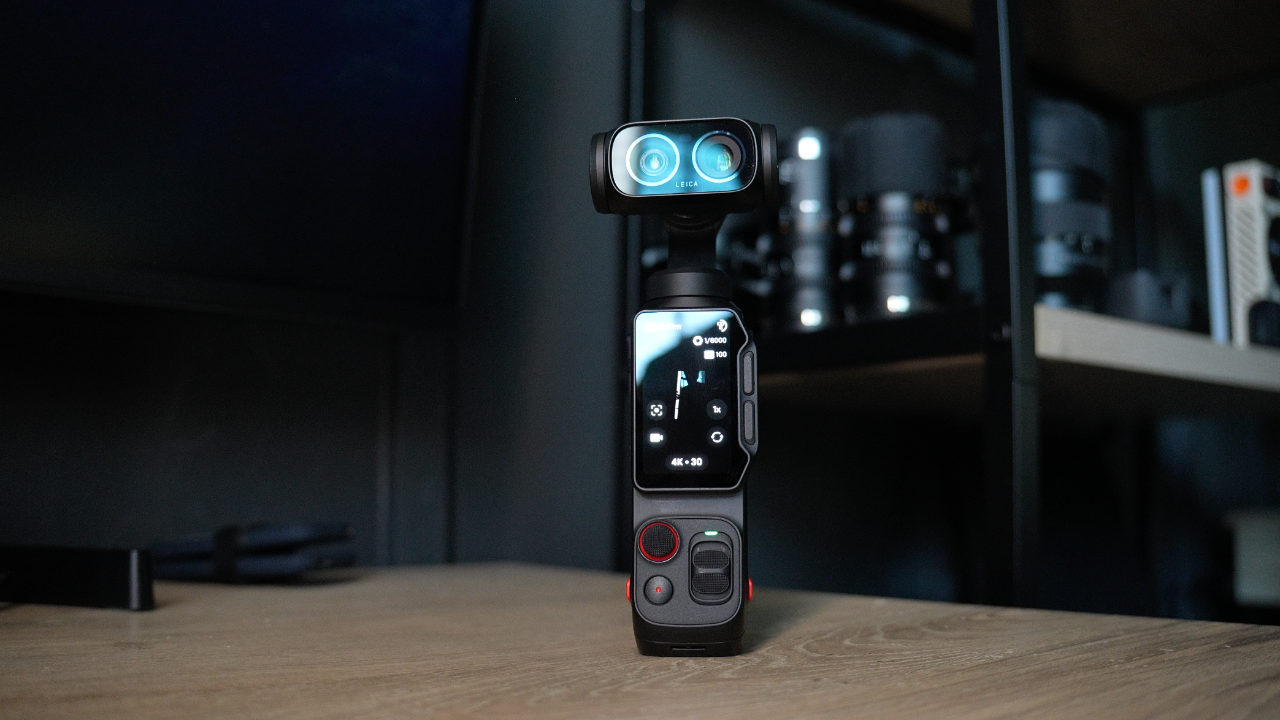
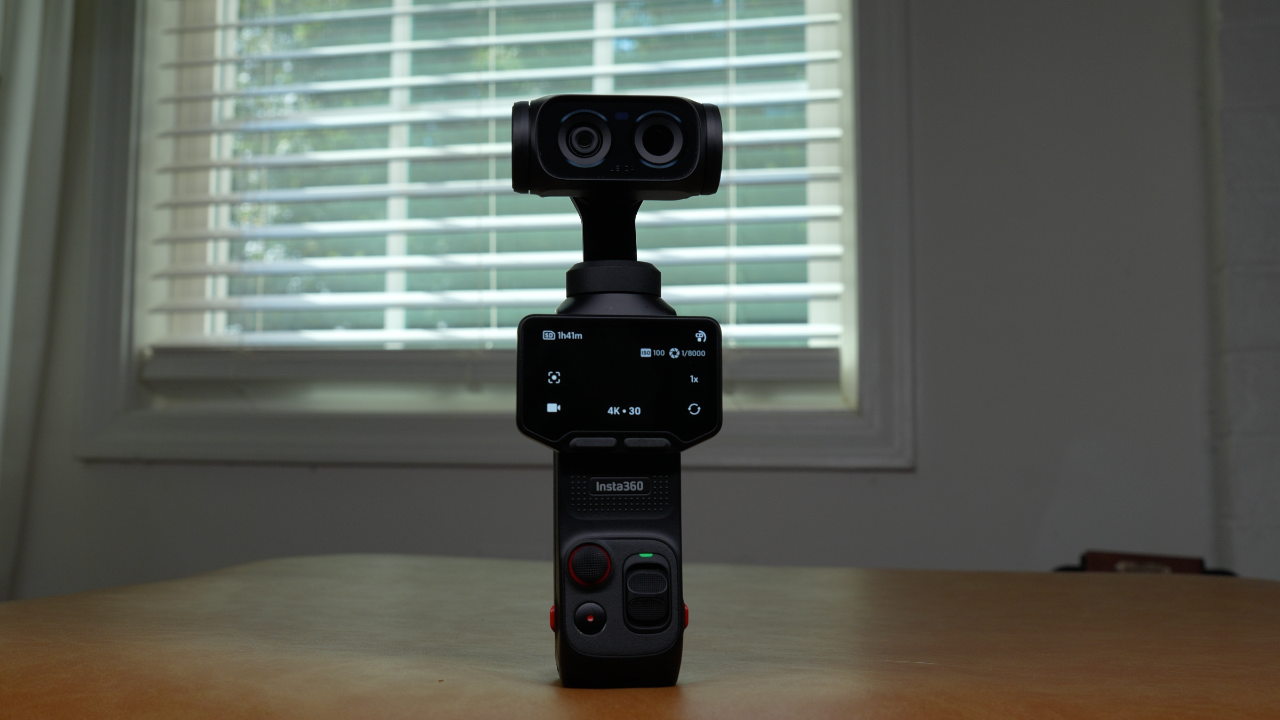
Take Your Insta360 Luna Ultra Beyond the Basics with this Film 202 Course
Learn how to use your Insta360 Luna Ultra in real-world shooting situations.
Go deeper into focus modes, gimbal movement, tracking, cinematic settings, low light shooting, slow motion, timelapse, photography, and the app so you can create smoother, cleaner, more intentional footage.
GET LIFETIME ACCESS NOW!
Included in this Film 202 Course:
- The Cinematic Look LUT Pack for the Insta360 Luna Ultra
- 2hrs and 56mins Hours of Video Content
- Quizzes after lessons to ensure you retain the info
- Downloadable PDFs
- Lessons downloadable for offline viewing
What You'll Learn Inside the Film 202
Module 1
Master Focus, Gimbal Modes, and Smart Tracking
- Learn when to use Single AF, Continuous AF, Product Showcase, and Subject Lock Tracking.
- Understand Roll Lock, Roll & Tilt Lock, FPV, and FPV-V so your movement looks smoother and more intentional.
- Use Auto Tracking, Smart Framing, and Barrel Roll in Shot Lab, and Gesture Control without feeling lost.
Module 2
Create Better Real-World Footage With the Luna Ultra
- Build cinematic custom settings for 4K 24, slow motion, audio, and low-light shooting.
- Use the app as a bigger monitor, remote control, and exposure tool.
- Learn slow motion, photography, Timelapse and TimeShift for more creative shots.
Included in this Course
Real-World Insta360 Luna Ultra Shooting System
Learn how to take the settings you understand and actually use them in real-world shooting situations.
Slow Motion, Photography, and Creative Modes
Learn when to use 4K 60, 4K 120, 1080 240, photo mode, panoramas, Timelapse, TimeShift, and lowlight shooting.
Gimbal Modes and Cinematic Movement
Learn when to use Roll Lock, Roll & Tilt Lock, FPV, and FPV-V, joystick speed, and gimbal lock for smoother movement.
Focus, Tracking, and Subject Control
Understand Single AF, Continuous AF, Auto Tracking, Smart Framing, and Barrel Roll in Shot Lab, and Dynamic Framing.
Cinematic Look LUT Pack
You get my Insta360 Luna Ultra: Cinematic LUT Pack included with this course so you can quickly give your footage a more movie-like look in post.
Lifetime Access + Free Updates
Learn at your own pace, rewatch lessons whenever you need, and get future updates included at no extra cost.
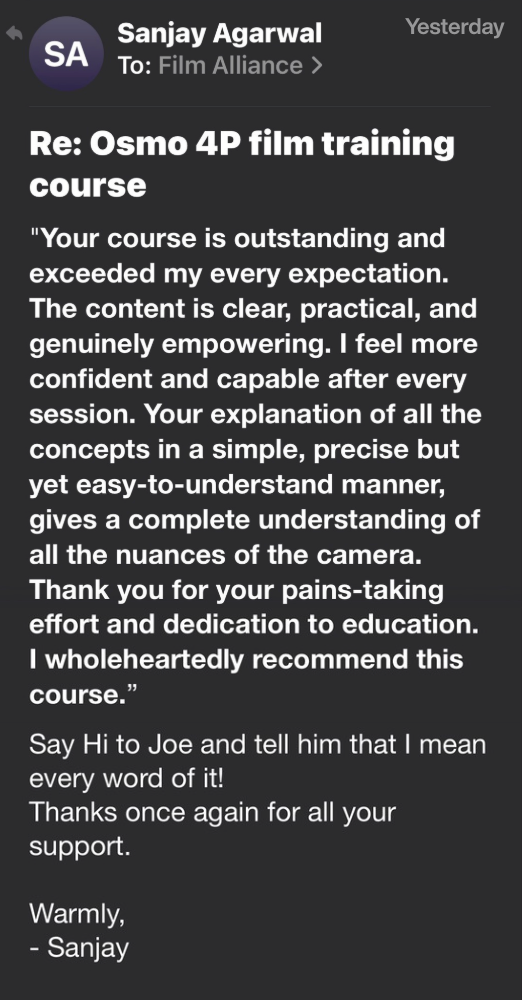
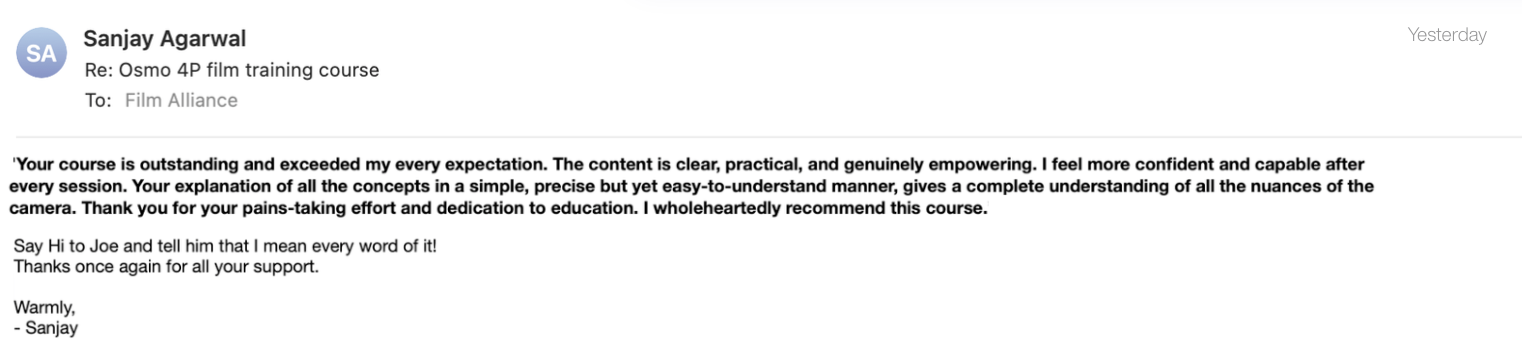
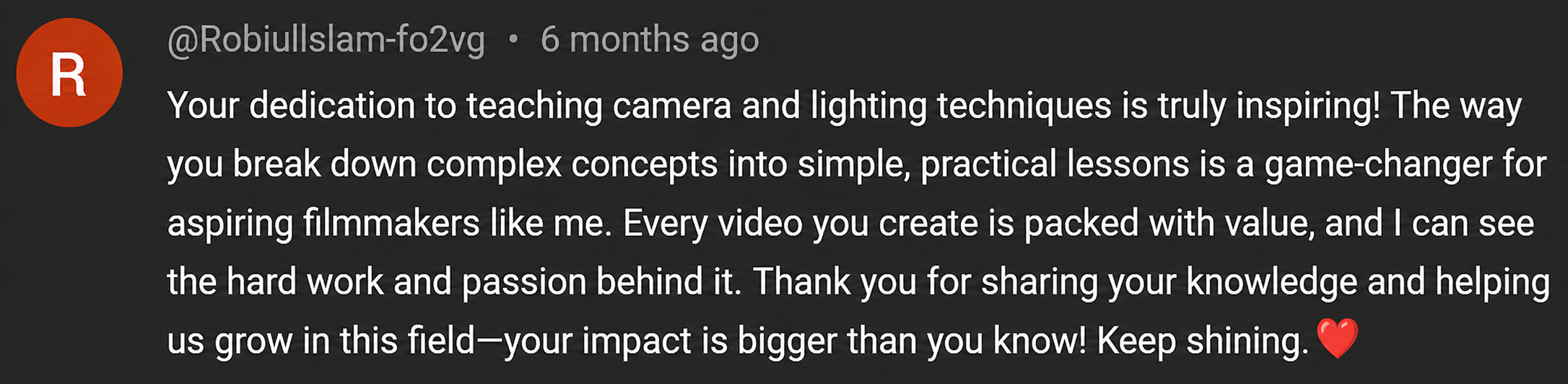
↓ SEE WHAT CREATORS ARE SAYING ABOUT MY TEACHING STYLE BELOW ↓









The Insta360 Luna Ultra: Film 202 comes with a 7-Day Satisfaction Guarantee.
If you’re not completely confident and excited about what you’ve learned, just contact me within 7 days for a full refund.
NO QUESTIONS ASKED
Meet Your Instructor
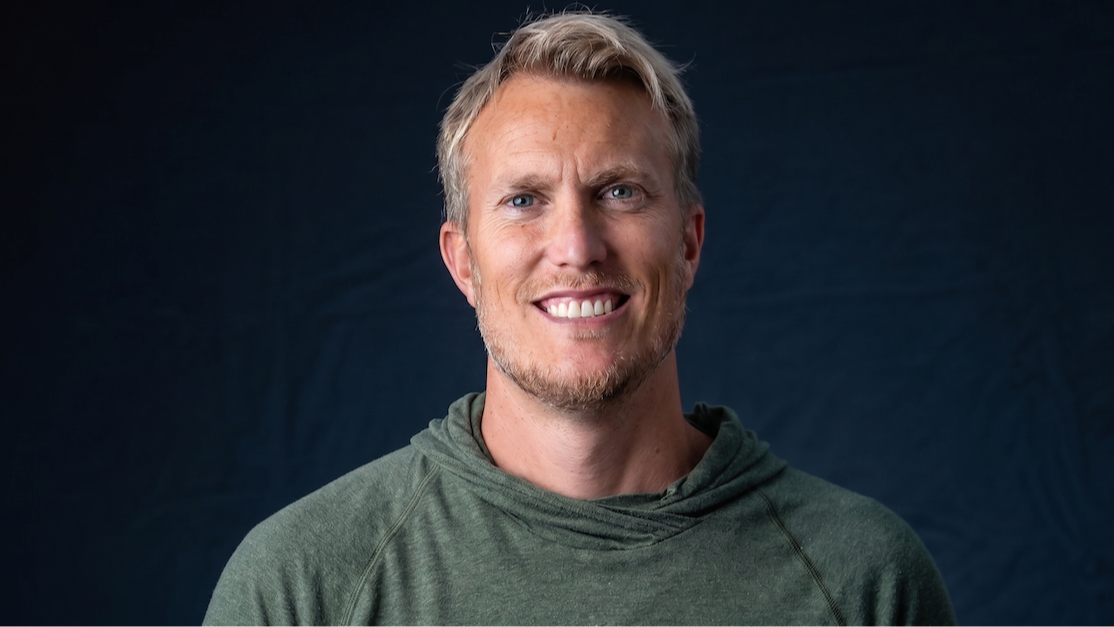
Hey, my name is Joseph Thompson. I hold a Master’s degree in Digital Media and have been shooting video for over 20 years, starting back on my parents’ old VHS camcorder. What started as curiosity quickly turned into a lifelong passion for cameras, filmmaking, and storytelling.
Today, I run The Film Alliance, a YouTube channel where I focus on camera reviews, real-world testing, and breaking down video fundamentals in a way that actually makes sense - especially for beginners.
After years of shooting with everything from mirrorless cameras to pocket cameras, I’ve realized something important about cameras like the Insta360 Luna Ultra: learning the settings is only the first step. The real confidence comes when you know how to use those settings in the field.
That’s exactly why I created Insta360 Luna Ultra: Film 202.
Film 101 helps you understand the camera, but Film 202 takes things further. This is where we start using the Insta360 Luna Ultra in more real-world shooting situations - focus modes, gimbal modes, intelligent tracking, cinematic settings, slow motion, photography, timelapse, hyperlapse, motionlapse, and the app.
Because once you understand the basics, the next question is: “How do I actually use this stuff when I’m out filming?”
This course is designed to help answer that. You’ll learn how to choose the right focus mode, control your gimbal movement, track subjects, set up custom cinematic modes, shoot better slow motion, use the app more effectively, and create footage that feels smoother, cleaner, and more intentional.
Film 202 is all about helping you take the Insta360 Luna Ultra beyond basic setup and start using it like a real creative tool.
Want a Preview of my Teaching Style?
Just click on the video below:
https://www.youtube.com/@thefilmalliance
Who This Course Is For
✅ Insta360 Luna Ultra users who already understand the basics but want to get better real-world footage.
✅ Creators who want to learn focus modes, gimbal modes, tracking, and movement in a practical way.
✅ YouTubers, vloggers, travelers, and content creators who want smoother, cleaner, more intentional shots.
✅ Insta360 Luna Ultra owners who want to set up cinematic custom modes for normal footage, slow motion, and low light.
✅ Anyone who wants to use Auto Tracking, Smart Framing, and Barrel Roll in Shot Lab, and the app with more confidence.
✅ Creators who want to shoot better slow motion, photography, timelapse, hyperlapse, and motionlapse.
✅ Insta360 Luna Ultra users who know the camera can do more, but need help applying the settings in real-world situations.
Who This Course Is NOT For
❌ You’re brand new and haven’t learned the basic Insta360 Luna Ultra settings yet.
If the menus, buttons, exposure, white balance, and shooting modes still feel completely confusing, start with Film 101 first.
❌ You’re looking for one magic cinematic setting.
Film 202 teaches you how to choose the right mode, focus setting, movement, and workflow for different shooting situations.
❌ You already know the Insta360 Luna Ultra inside and out.
If you fully understand focus modes, gimbal modes, tracking tools, custom modes, slow motion, timelapse, and the app, this may feel too basic.
❌ You don’t want to practice in the field.
This course is built around applying the settings, testing movement, and learning by actually using the Insta360 Luna Ultra.
Frequently Asked Questions
Is this course beginner-friendly?
Yes, but Film 202 is best if you already understand the basic Luna Ultrasetup. If the menus, buttons, exposure, white balance, and shooting modes still feel brand new, I recommend starting with Film 101 first.
Do I need to take Film 101 first?
You don’t have to, but it helps. Film 101 teaches the foundation of the camera, while Film 202 shows you how to use focus modes, gimbal modes, tracking, cinematic settings, slow motion, and creative modes in real-world situations.
Is this only for the Insta360 Luna Ultra?
Yes. This course is built specifically around the Insta360 Luna Ultra, so the lessons, settings, menus, and examples are focused on that camera.
How is this different from free YouTube tutorials?
YouTube is great for random tips, but it can feel scattered. This course gives you a clear step-by-step path so you’re not trying to piece everything together on your own.
Do I get lifetime access?
Yes. Once you enroll, you have lifetime access to the course so you can come back anytime you need a refresher.
What if I don’t like the course?
No problem. There’s a 7-day money-back guarantee, so if it’s not a good fit, you can get a full refund.
© 2026 The Film Alliance
By visiting this page, you agree to terms and conditions & privacy policy
This site is not a part of the Facebook website or Facebook Inc. Additionally, This site is NOT endorsed by Facebook in any way. FACEBOOK is a trademark of FACEBOOK, Inc.