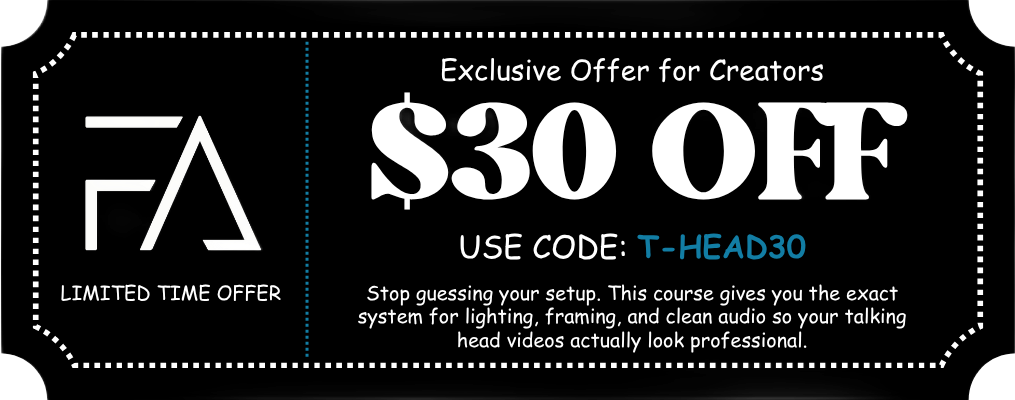
Unlock the Full Potential of your Osmo Pocket 4 with this Film 101 Course
Transform your Osmo Pocket 4 footage, even if you’re brand new and don’t know where to start.
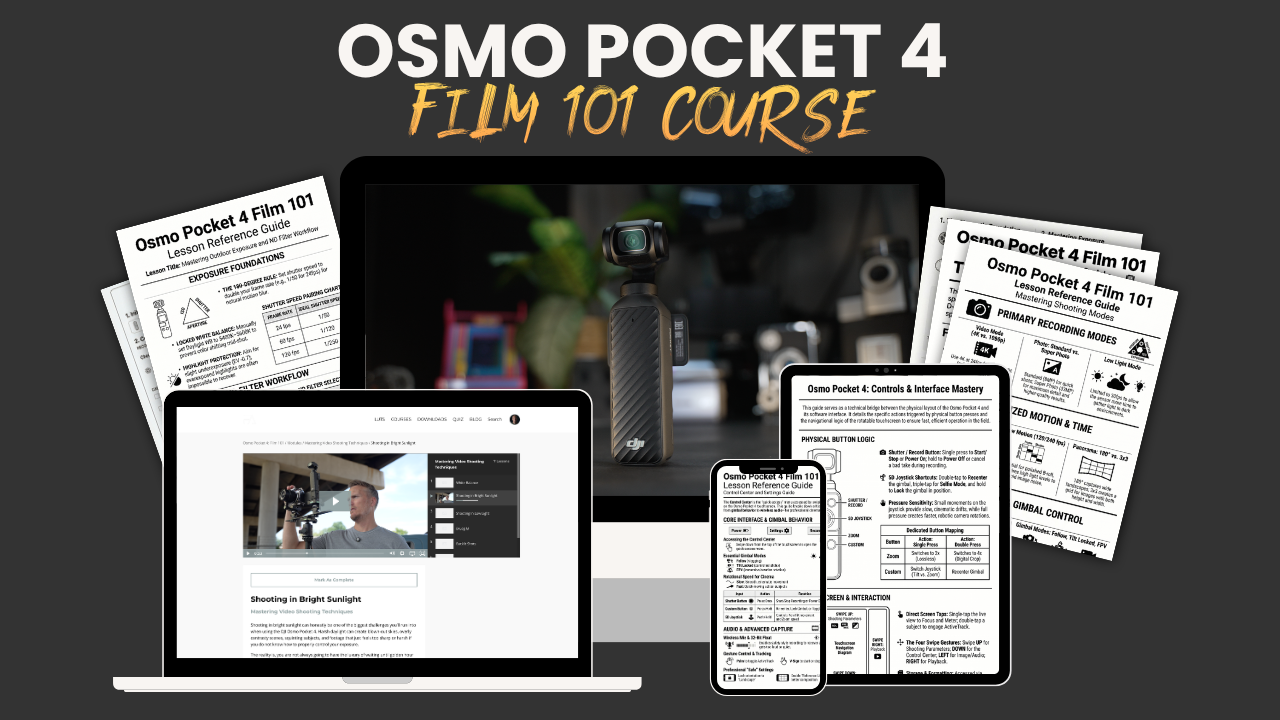
Learn how to set up the camera, understand the key settings, and avoid beginner mistakes that make footage look amateur, noisy, or inconsistent.
GET LIFETIME ACCESS NOW!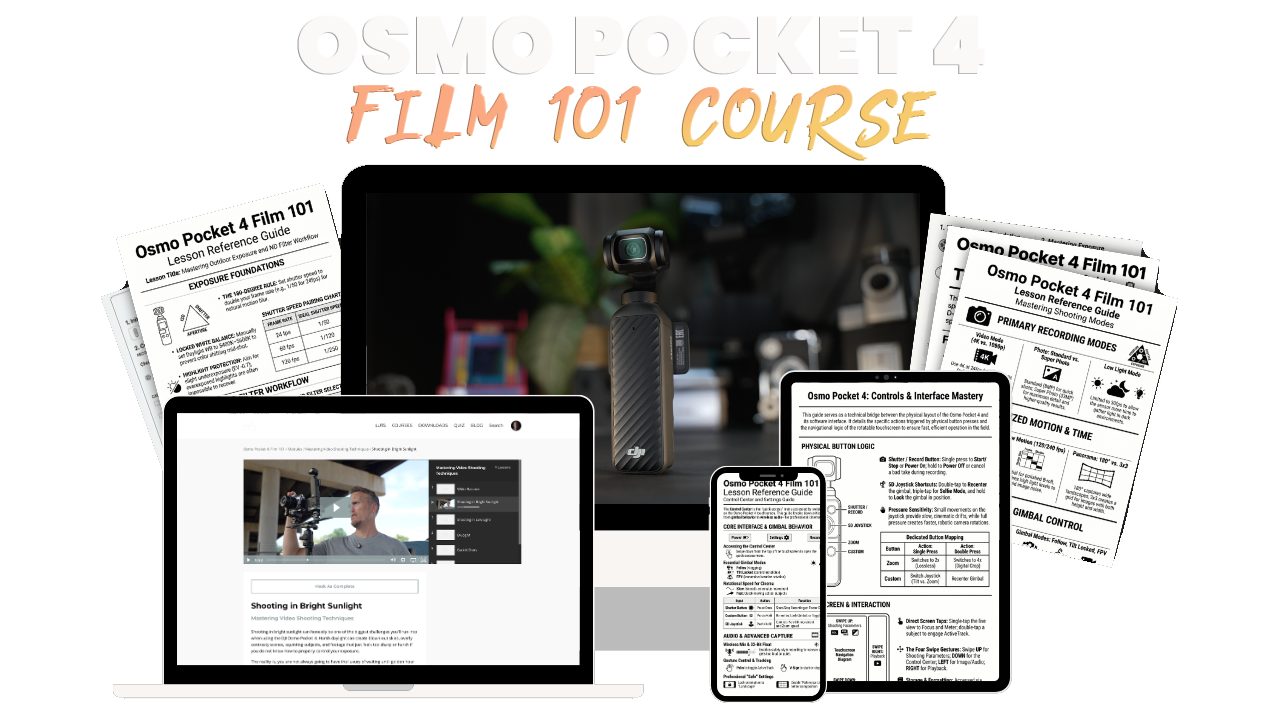
Included in this Film 101 Course:
- The Fujifilm Look LUT Pack for the Osmo Pocket 4
- 3.5+ Hours of Video Content
- Quizzes after lessons to ensure you retain the info
- Downloadable PDFs
What You'll Learn Inside the Film 101
Module 1
Build Your Osmo Pocket 4 Foundation
- Get familiar with the camera, buttons, screen, ports, storage, and basic setup.
- Learn how to activate the Pocket 4, connect the Mimo app, and update firmware the right way.
- Understand every setting, the menus, swipe gestures, Control Center, shooting modes, and deeper settings so you learn what everything does.
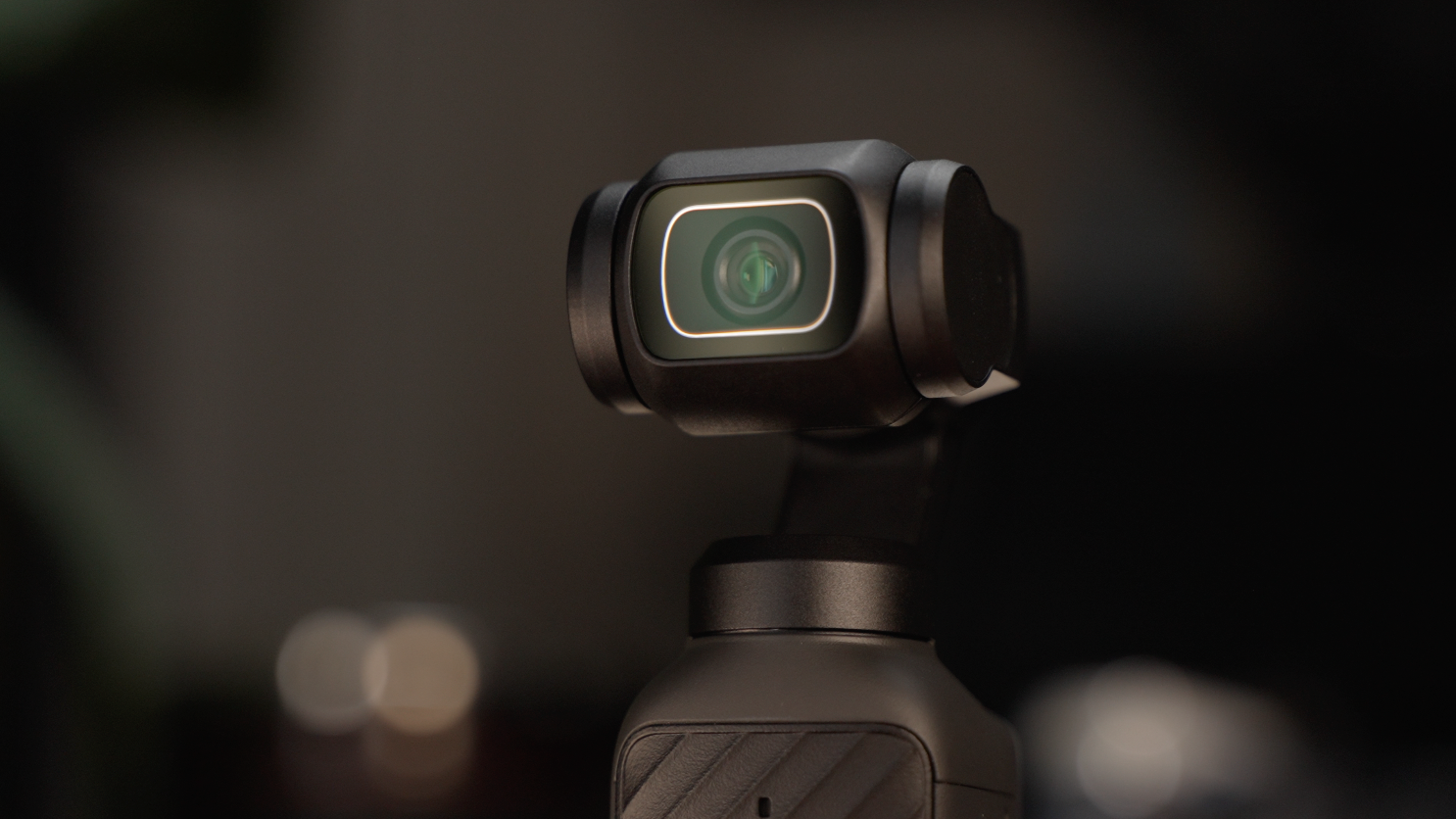
Module 2
Start Filming Better Footage in Real-World Conditions
- Learn how to approach real-world filming situations like bright sunlight, low light, backlit scenes, and stabilized movement.
- Understand how exposure, color, D-Log, white balance, and shooting technique all work together to create cleaner footage.
- Build more confidence choosing the right settings for the scene instead of guessing every time you film.
Included in this Course
Complete Osmo Pocket 4 Setup System
Learn how to set up your Pocket 4 the right way from the beginning so you’re not guessing through menus, buttons, storage, and app setup.
Step-by-Step Beginner-Friendly Training
A clear walkthrough of the camera, touchscreen, swipe gestures, Control Center, shooting modes, image settings, audio settings, and deeper setup options.
Understand the Settings That Actually Matter
Learn what affects your footage - exposure, ISO, shutter speed, white balance, focus, D-Log, Normal color, gimbal modes, audio, and more.
Real-World Shooting Techniques
See how to approach common filming situations like bright sunlight, low light, backlit shots, stabilization, and getting cleaner-looking footage.
Fujifilm Look LUT Pack for the Osmo Pocket 4
You get my Osmo Pocket 4 Fujifilm-inspired LUT Pack included with this course so you can quickly give your footage a more film-like look in post.
Downloadable Setup Guides & Checklists
Printable guides you can keep with you so you don’t have to remember every setting while you’re out filming.
Lifetime Access + Free Updates
Learn at your own pace, rewatch lessons whenever you need, and get future updates included at no extra cost.
Built Specifically for Pocket 4 Owners
No generic camera advice - this course is focused on helping you understand and use the Osmo Pocket 4 with more confidence.
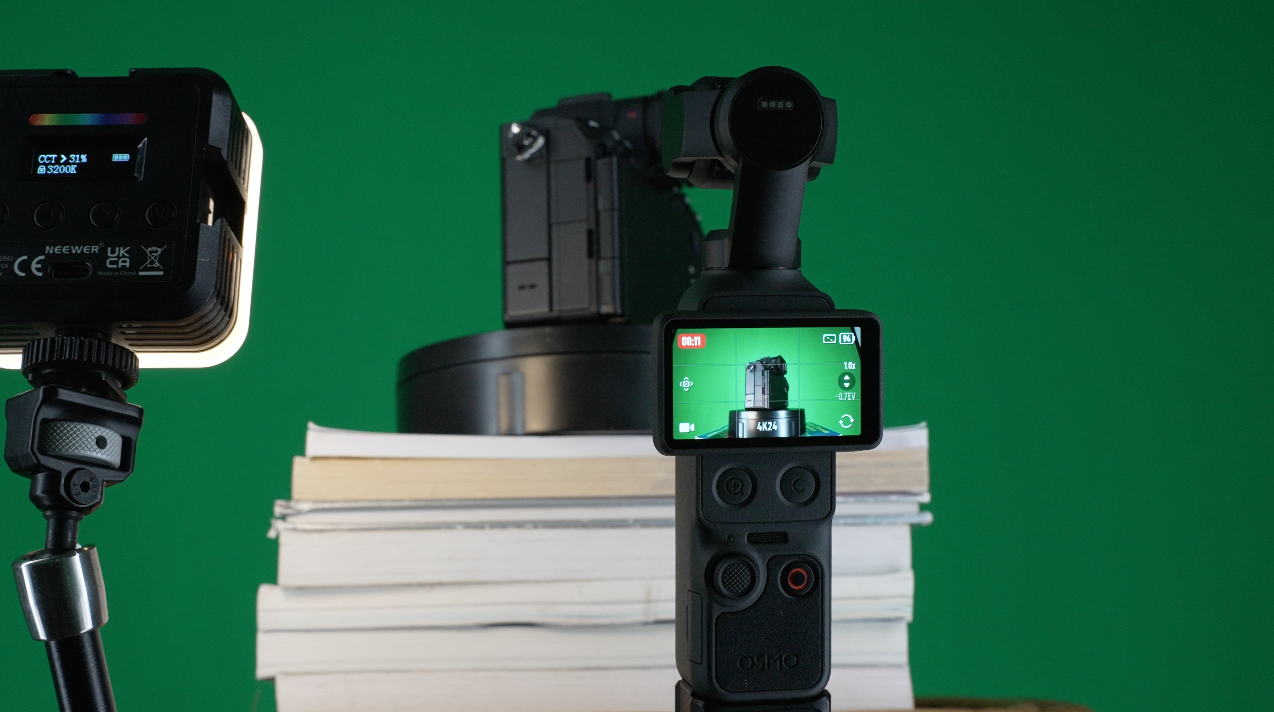
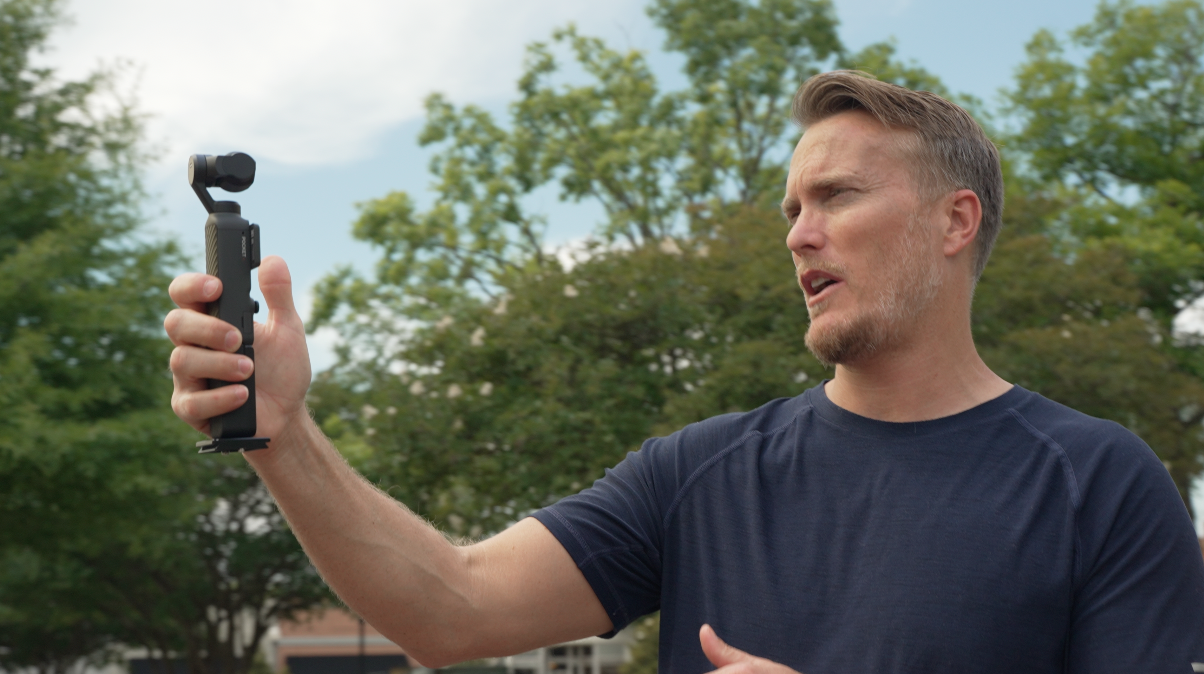
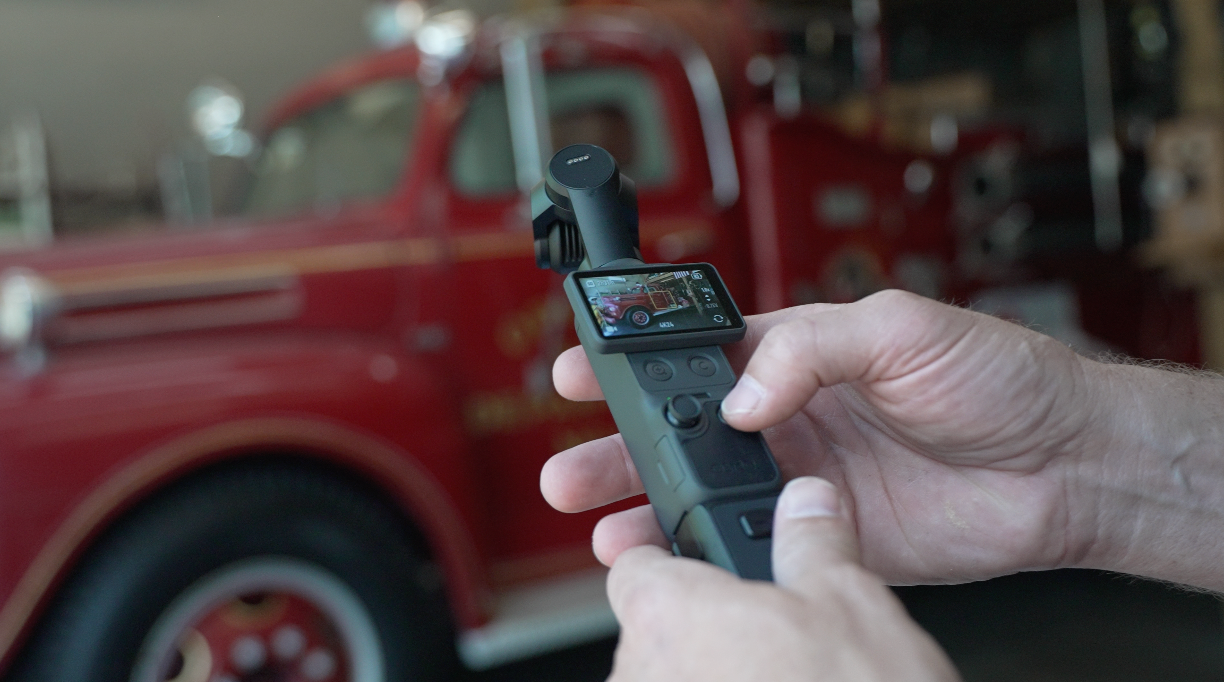
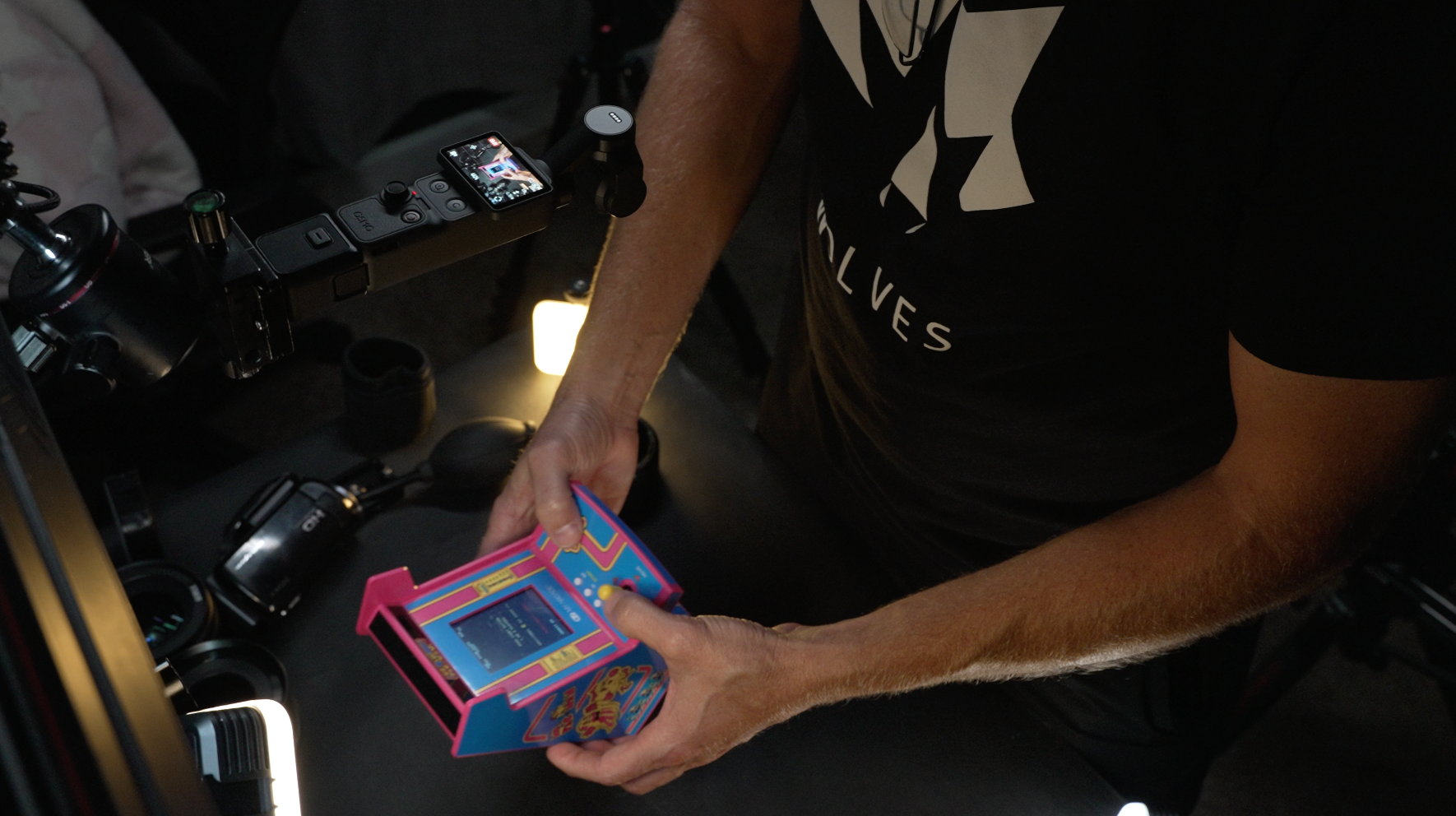
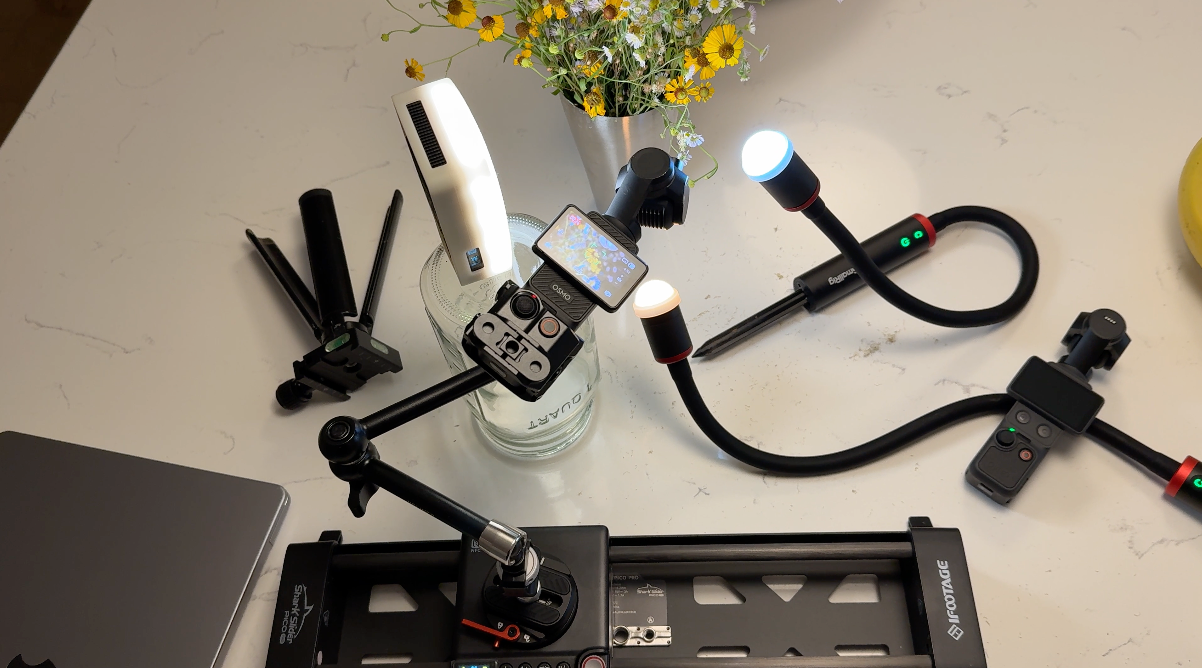
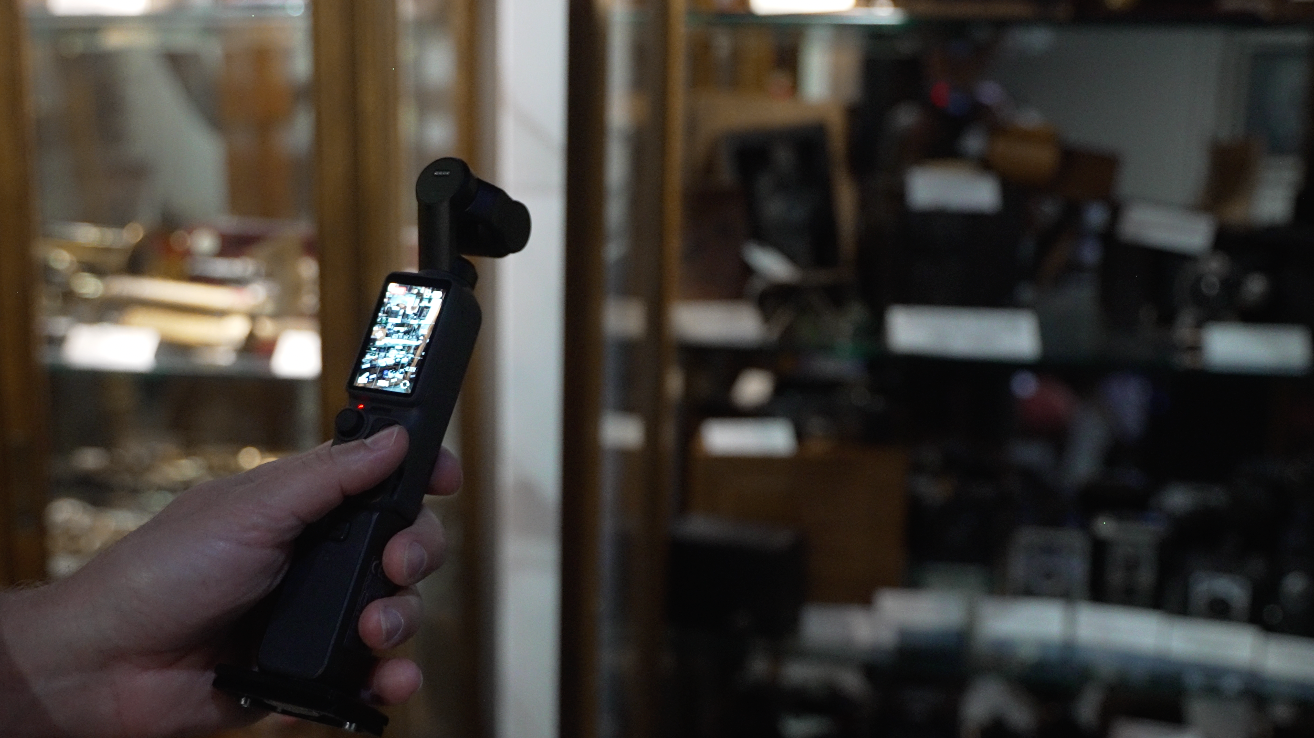
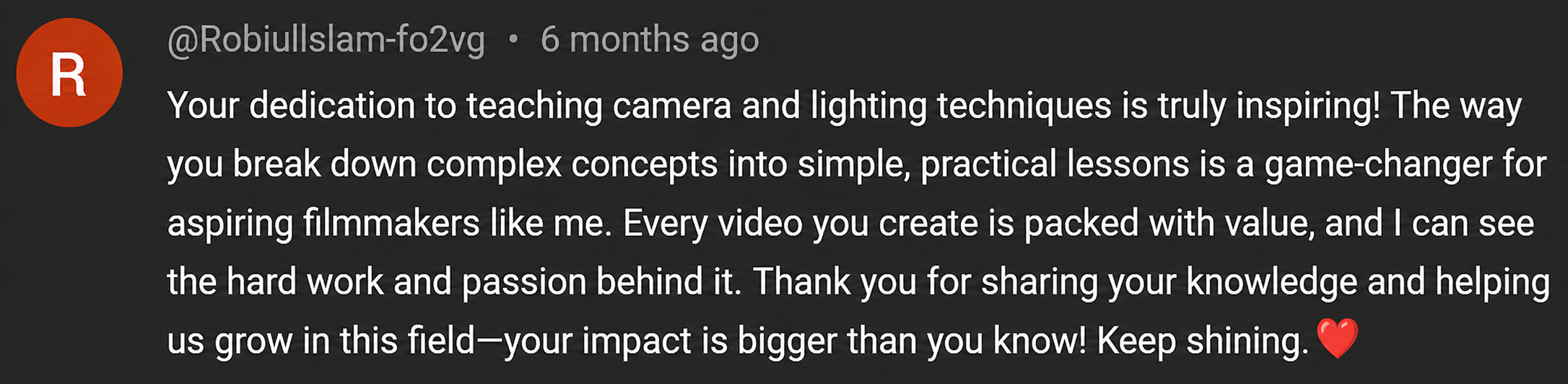
↓ SEE WHAT CREATORS ARE SAYING ABOUT MY TEACHING STYLE BELOW ↓









The Osmo Pocket 4: Film 101 comes with a
7-Day Satisfaction Guarantee.
If you’re not completely confident and excited about what you’ve learned, just contact me within 7 days for a full refund.
NO QUESTIONS ASKED
Meet Your Instructor
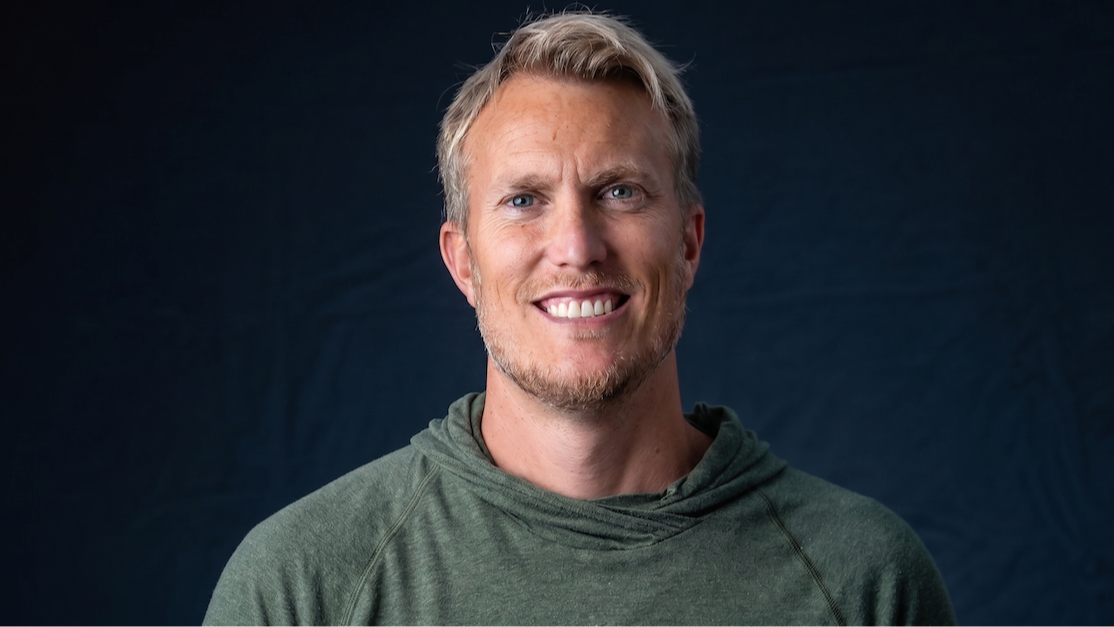
Hello, my name is Joseph Thompson. I hold a Master’s degree in Digital Media and have been shooting video for over 20 years, starting back on my parents’ old VHS camcorder. What started as curiosity quickly turned into a lifelong passion for cameras, filmmaking, and storytelling.
Today, I run The Film Alliance, a YouTube channel, where I focus on camera reviews, real-world testing, and breaking down video fundamentals in a way that actually makes sense - especially for beginners.
After years of shooting with everything from mirrorless cameras to pocket cameras, I’ve realized something most people run into with cameras like the Osmo Pocket 4: the camera may look simple, but getting the best footage out of it still takes understanding.
That’s exactly why I created Osmo Pocket 4: Film 101.
When you first pick up the Pocket 4, it feels like it should be easy. Turn it on, hit record, and you’re good to go. But once you start digging into the menus, exposure, white balance, D-Log, shooting modes, gimbal settings, focus, tracking, audio, and the DJI Mimo app, it can get overwhelming fast.
This course gives you a simple, beginner-friendly walkthrough so you don’t have to guess your way through the camera. You’ll learn how to set it up, understand the key settings, avoid common beginner mistakes, and start getting cleaner, more consistent footage from your Osmo Pocket 4.
Want a Preview of my Teaching Style?
Just click on the video below:
https://www.youtube.com/@thefilmalliance
Who This Course Is For
✅ Osmo Pocket 4 owners who feel overwhelmed by the menus, settings, buttons, and shooting modes.
✅ YouTubers, vloggers, and content creators who want better-looking footage from a small, simple camera.
✅ Beginners who want a clear step-by-step walkthrough instead of trying to piece everything together from random YouTube videos.
✅ Travelers and everyday creators who want to capture cleaner footage without carrying a full camera setup.
✅ Business owners, course creators, and social media creators who want to film themselves, products, behind-the-scenes clips, or simple content with more confidence.
✅ Anyone who wants to understand exposure, white balance, D-Log, audio, focus, gimbal modes, and the key settings that actually affect the final image.
✅ Pocket 4 users who know the camera has potential, but don’t feel like they’re getting the best results from it yet.
Who This Course Is NOT For
❌ You’re looking for a quick magic setting that makes every shot perfect.
This course teaches you how the Pocket 4 actually works so you can make better choices in real situations.
❌ You already know the Osmo Pocket 4 inside and out.
If you fully understand exposure, white balance, D-Log, gimbal modes, audio settings, focus modes, and the full menu system, this may feel too beginner-focused.
❌ You don’t want to practice with the camera.
Watching lessons will help, but the real progress happens when you pick up the Pocket 4, test the settings, and apply what you learn.
❌ You want a full professional cinematography course.
This is not meant to replace years of filmmaking experience. Film 101 is designed to help beginners understand and confidently use the Osmo Pocket 4.
Frequently Asked Questions
Is this course beginner-friendly?
Yes. Film 101 is made for Osmo Pocket 4 owners who feel overwhelmed by the menus, settings, and shooting modes. I walk through everything step by step so you can actually understand the camera.
Do I need experience with cameras?
No. You don’t need to understand exposure, white balance, D-Log, focus modes, or gimbal settings before starting. That’s exactly what this course is designed to help with.
Is this only for the Osmo Pocket 4?
Yes. This course is built specifically around the Osmo Pocket 4, so the lessons, settings, menus, and examples are focused on that camera.
How is this different from free YouTube tutorials?
YouTube is great for random tips, but it can feel scattered. This course gives you a clear step-by-step path so you’re not trying to piece everything together on your own.
What if I don’t like the course?
No problem. There’s a 7-day money-back guarantee, so if it’s not a good fit, you can get a full refund.
Do I get lifetime access?
Yes. Once you enroll, you have lifetime access to the course so you can come back anytime you need a refresher.

© 2026 The Film Alliance
By visiting this page, you agree to terms and conditions & privacy policy
This site is not a part of the Facebook website or Facebook Inc. Additionally, This site is NOT endorsed by Facebook in any way. FACEBOOK is a trademark of FACEBOOK, Inc.